




The best Shopify apps can quickly improve how your store runs. Choosing the right ones, though, is where things get complicated.
Shopify makes it easy to get started with your store. Add a few products, install a couple of apps, and you’re live. Simple.
As your store grows, so does your stack. New tools get added for marketing, support, and optimization. Each one solves a specific need. Over time, costs increase, tools overlap, and workflows spread across different systems.
It’s something we hear often from Shopify merchants: plenty of tools, but not always a setup that works smoothly.
In this guide, we’ll help you – based on insights from our Shopify experts Dirk Bothof and Loes Keijsers – to:
- find the best Shopify apps by use case
- understand when you actually need them
- and build a setup that stays manageable as your business grows
When Shopify’s native setup stops being enough
Most Shopify stores start simple. And that’s exactly how it should be.
In the beginning, the built-in features and a few apps are enough to keep things running smoothly. Orders are manageable, workflows are clear, and you have a good overview of what’s happening.
As your store grows, that starts to change.
For many merchants, the first signs show up somewhere around 500 orders per month.
That’s when:
- manual processes begin to take more time than expected
- small fulfillment errors become more frequent (and more costly)
- shipping across multiple countries adds complexity
- support tickets – especially delivery-related – start to increase
It doesn’t break overnight. It just gets harder to manage.
Where things start to slow down
The friction usually shows up across a few areas:
| Area | What starts happening |
|---|---|
| Operations | Manual workflows, scattered tools, limited overview |
| Shipping | Multiple carriers, little visibility, harder to scale |
| Customer experience | More WISMO questions, limited communication, manual returns |
| Scaling | Tools don’t connect well, processes stop working, teams get stretched |
What merchants start looking for
At this point, most merchants want:
- fewer manual steps
- better visibility
- more control
- and a setup that can handle growth without adding complexity
That’s where choosing the right apps and how they work together starts to matter.
What makes a Shopify app “the best”?
Not every app in the Shopify App Store will actually make your store better.
Some look fancy or great on paper, but add little real value. In practice, they often increase complexity instead of reducing it.
The apps that really make a difference tend to have a few things in common:
- They solve a real problem you’re dealing with right now
- They’re easy to set up and don’t require constant maintenance
- They work well with the tools you already use
- They have a clear impact: saving time, increasing revenue, improving customer experience, or giving better insight into performance
- They still make sense as your order volume grows
One thing that comes up often when talking to Shopify merchants is how quickly app stacks can grow.
“There are so many Shopify apps that the costs quickly add up. And as you add more, you risk conflicts between tools or even slowing down your store. Most merchants don’t have a lack of tools – they have too many. That’s when things start to break.” – Dirk Bothof, Product Lead at Sendcloud
Instead of building a long list of tools, focus on building a stack that works together.
Quick shortlist – the best Shopify apps
If you’re exploring Shopify apps, it helps to start with a small group that consistently shows up in high-performing stores.
Each of the tools below solves a specific job. From marketing and support to operations and performance…and tends to become more relevant as your store grows.
Note: App availability and popularity can vary by region, but all tools listed in this blog are available in the Shopify App Store and used by merchants across Europe.
- Sendcloud – best for shipping, fulfillment, and post-purchase operations
- Klaviyo – best for email, SMS, and lifecycle marketing
- Gorgias – best for e-commerce customer support
- Zendesk – best for scaling support teams
- Rebuy – best for personalization and increasing AOV
- Picqer – best for warehouse and fulfillment operations
- Tiny SEO Speed Image Optimizer (TinyIMG) – best for store performance and technical SEO
These apps cover the core areas most Shopify merchants need to think about – from marketing and operations to customer trust and performance insights:
- attracting and retaining customers
- managing operations and fulfillment
- supporting customers efficiently
- improving conversion and performance
Next, we’ll break these down by category, including when each type of app starts to matter and how they fit into a setup that scales without becoming difficult to manage.
The best Shopify apps by category
Instead of looking at apps as separate tools, it helps to think in terms of what job they do in your business.
As your store grows, different parts of your operation become more complex at different moments. That’s usually when a new category of apps starts to matter.
Shipping & fulfillment apps
Shipping is often one of the first areas where things start to feel less efficient. It’s usually treated as a backend task.
In practice, it touches much more than that. It influences what customers see at checkout, how smoothly orders are processed, and how many support questions you end up handling.
In the beginning, creating labels manually or using a single carrier works fine. But as order volume increases, small inefficiencies start adding up. More orders mean more room for errors, more time spent on repetitive tasks, and more pressure on your operations.
On top of that, shipping information often ends up spread across different places – your Shopify backend, carrier portals, inboxes – making it harder to keep a clear overview.
Sendcloud – shipping platform for automation and multi-carrier setup
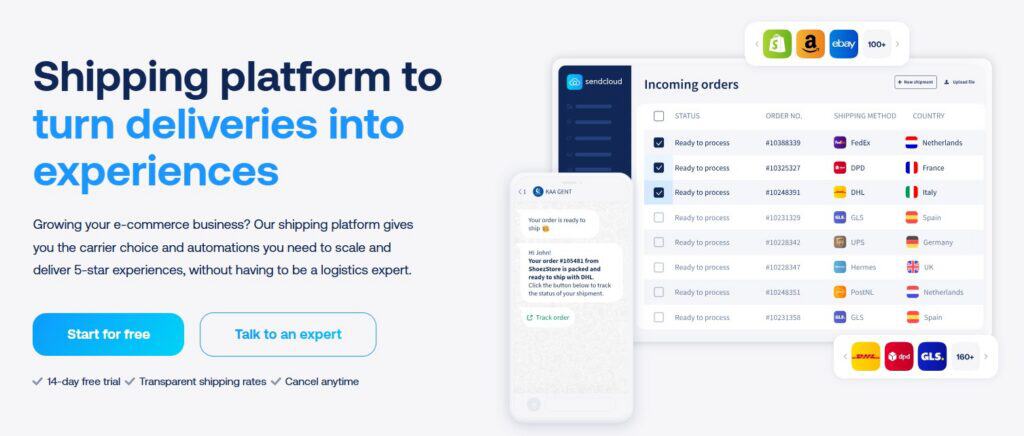
- What it does: Connects Shopify to multiple carriers and helps automate shipping, tracking, and returns
- When you need it: Once shipping starts taking up more time, or when you’re dealing with multiple carriers or destinations
- Why it matters: Brings your shipping workflows into one place, reduces manual work, and gives you more control as volume grows
As your setup becomes more complex, having everything connected – from checkout to fulfillment to post-purchase – makes a noticeable difference in how smoothly your operations run.
Picqer – best for scaling Shopify merchants
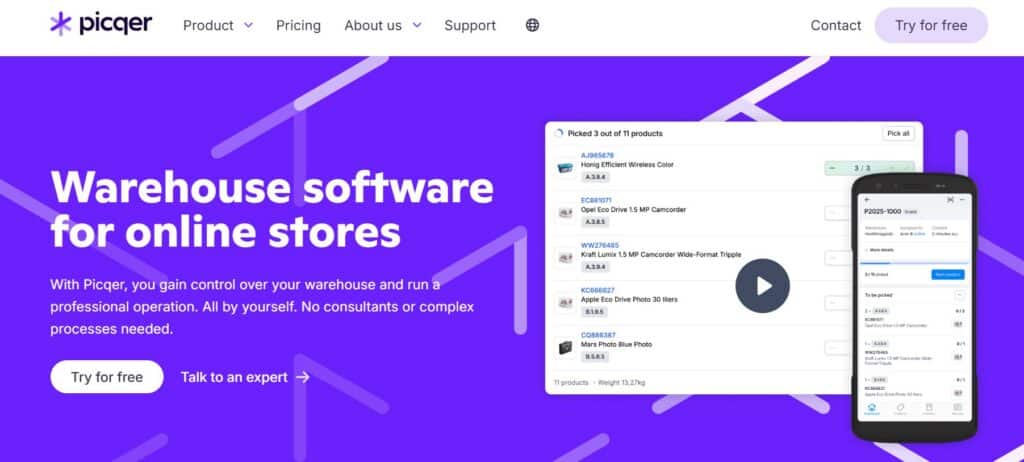
- What it does: Lightweight warehouse management system (WMS) for picking, packing, and inventory
- When you need it: When order volume increases and manual fulfillment starts slowing you down
- Why it matters: Adds structure to your warehouse without adding too much complexity
Shippingbo – best for more complex fulfillment setups
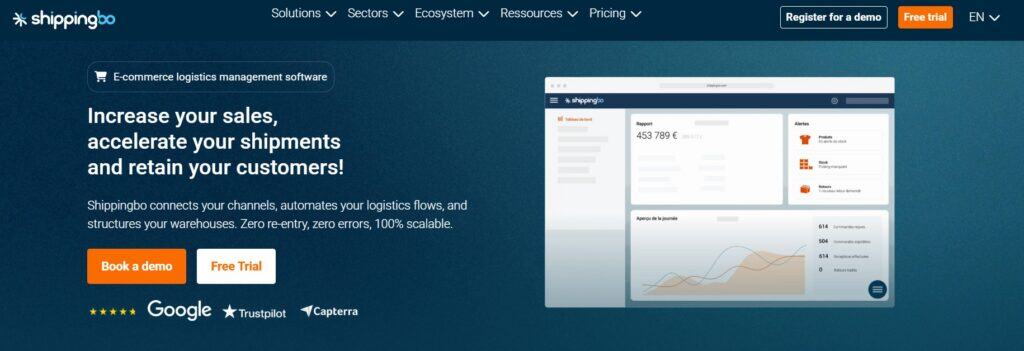
- What it does: Advanced WMS/OMS for multi-warehouse and more complex operations
- When you need it: When you’re managing larger volumes, multiple locations, or more advanced logistics flows
- Why it matters: Gives you more control over complex fulfillment processes
Marketing & retention apps
Once you have a steady flow of visitors and orders, the focus often shifts from acquiring customers to keeping them.
That’s where lifecycle marketing becomes important. Reaching customers at the right moment with the right message.
Klaviyo
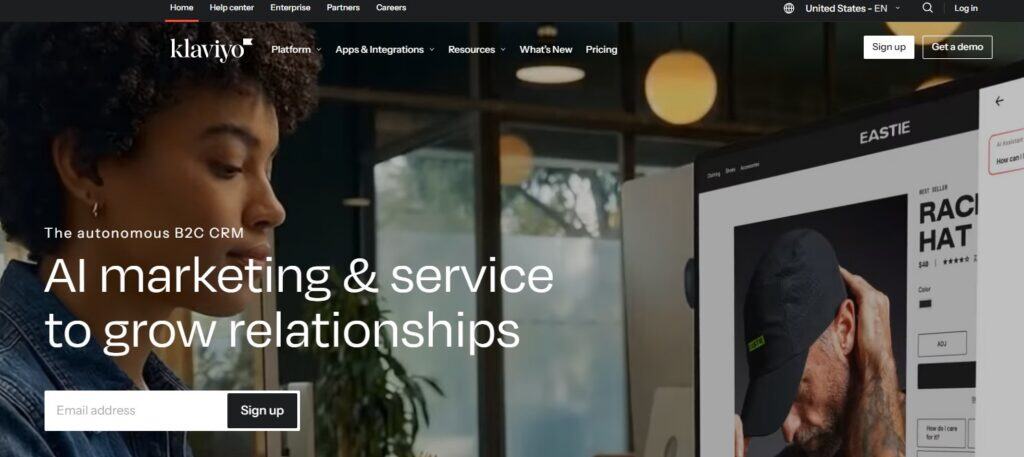
- What it does: Email and SMS marketing automation
- When you need it: Once you have enough traffic and customer data to build meaningful campaigns
- Why it matters: Helps you stay in touch with customers through automated flows like abandoned cart, post-purchase, and winback
For many stores, email becomes the highest ROI channel once traffic stabilizes.
Leat

- What it does: Loyalty and engagement platform
- When you need it: When you want to increase repeat purchases and customer lifetime value
- Why it matters: Encourages customers to come back and builds longer-term relationships
Customer support apps
As order volume grows, so does the number of customer questions. Especially around orders and delivery.
Handling these efficiently becomes harder when information is spread across systems.
“We consistently see tools like Klaviyo and Gorgias appear in merchant stacks, especially as businesses start scaling their operations.” – Loes Keijsers, Product Manager at Sendcloud
Gorgias

- What it does: E-commerce helpdesk that connects support with Shopify data
- When you need it: When support requests start taking up a significant part of your day
- Why it matters: Brings conversations, orders, and customer data together, so your team can respond faster
Zendesk

- What it does: Advanced support platform for larger teams
- When you need it: When you need more structure, automation, and multi-channel support
- Why it matters: Helps teams scale support operations without losing overview
Conversion & upsell apps
Improving conversion and average order value often has a direct impact on revenue, without needing more traffic.
Rebuy

- What it does: Personalization and upsell engine
- When you need it: Once you have consistent traffic and want to increase revenue per visitor
- Why it matters: Uses customer and product data to show relevant offers at the right time
SEO & performance apps
Site performance plays a big role in both visibility and conversion.
Even small improvements in speed can have a noticeable impact.
Tiny SEO Speed Image Optimizer (TinyIMG)
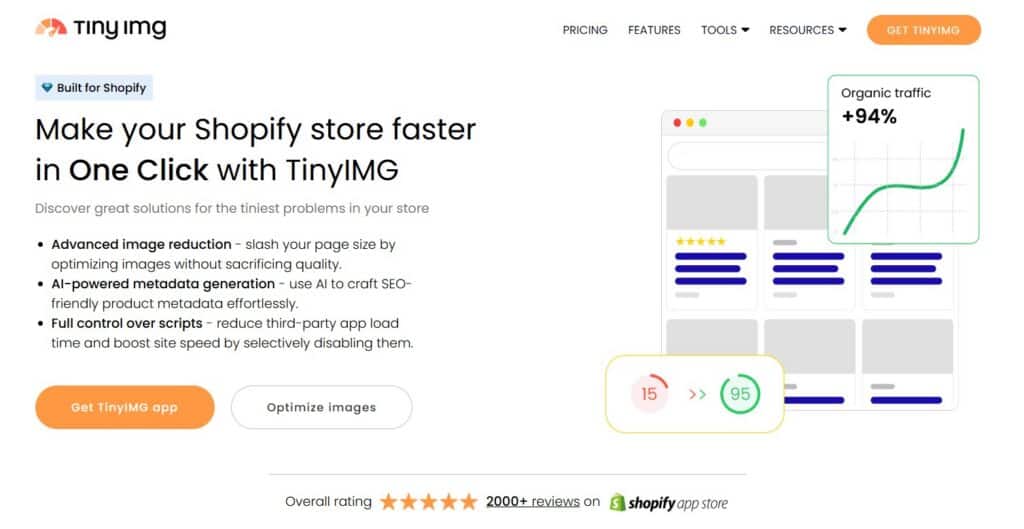
- What it does: Optimizes images and improves page speed
- When you need it: When your store starts slowing down or you want to improve SEO performance
- Why it matters: Faster pages lead to better user experience and higher conversion rates
Reviews & social proof apps
Customer trust plays a major role in conversion. Reviews and social proof help reduce hesitation and give new customers confidence to buy.
For many stores, reviews are one of the first things customers look at before deciding to buy.
AfterShip Reviews
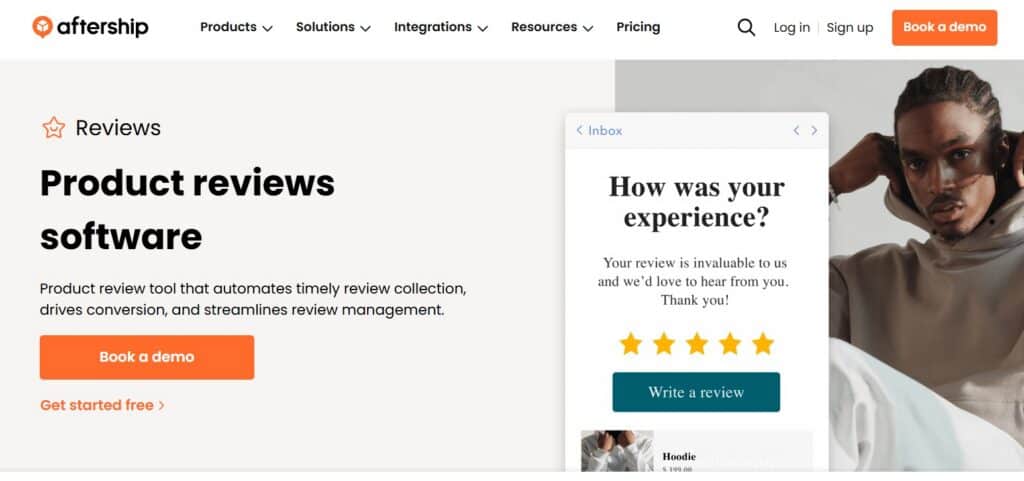
- What it does: Collects and displays product reviews and ratings
- When you need it: When you want to build trust and improve conversion rates
- Why it matters: Helps turn customer feedback into visible social proof that influences purchase decisions
Analytics & reporting apps
As your store grows, understanding your numbers becomes just as important as driving traffic or managing operations.
Basic Shopify analytics are often enough early on, but as you scale, merchants start looking for deeper insights into profitability and customer behavior.
TrueProfit
- What it does: Tracks real-time profit by combining revenue, costs, and ad spend
- When you need it: When you want a clear view of profitability beyond Shopify’s default analytics
- Why it matters: Helps you understand what you’re actually earning, not just what you’re selling
Lifetimely
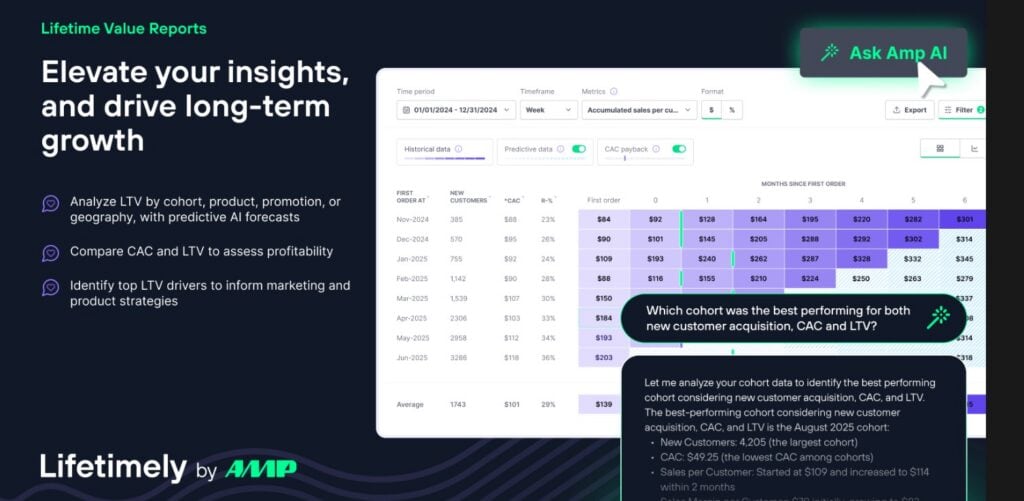
- What it does: Analytics platform focused on customer lifetime value (LTV) and retention
- When you need it: When you want deeper insights into customer behavior and long-term growth
- Why it matters: Helps you make better decisions around acquisition, retention, and pricing
How the best Shopify merchants build their app stack
We’ve worked with thousands of Shopify merchants over the past 12+ years. And there’s a clear pattern, both from what we hear in conversations and what we see in our data.
The setups that scale well aren’t built around individual tools. They take shape around how those tools work together.
As stores grow, that difference becomes more noticeable. Some setups stay manageable. Others become harder to control, with tools that don’t fully connect or workflows that require more manual work than expected.
A simple way to structure your Shopify app stack
Core layer = Your foundation
- Shopify (commerce engine)
- Sendcloud (shipping layer)
Operations layer = Keeps orders moving efficiently
- Sendcloud
- WMS like Picqer or Shippingbo (when needed)
Support layer = Handles customer questions and issues
- Gorgias or Zendesk
- Sendcloud (for shipping data, delivery status, claims)
Experience layer = Shapes the post-purchase experience
- Sendcloud tracking & delivery updates
- Klaviyo for email and SMS communication
Growth layer = Drives revenue and expansion
- Rebuy (upsell & personalization)
- Marketing tools
- Marketplaces or cross-border tools
As you can see, shipping tends to sit right in the middle of all of this – connecting checkout, fulfillment, delivery, and support. When that part isn’t set up well, the rest of the stack becomes harder to manage.
What this looks like in practice
As your store grows, these layers become more important. And more connected.
For example:
- A shipping update can trigger a Klaviyo email
- Delivery data can help support teams respond faster in Gorgias
- Carrier performance can influence your shipping setup and checkout options
When these pieces work together, your operations feel more predictable – even as volume increases.
Why this approach works
Many merchants start by adding apps whenever a new problem appears.
That works for a while. But over time, it often leads to:
- overlapping tools
- disconnected workflows
- more manual work than expected
The setups that scale well are usually more intentional. Fewer tools, better connected, and easier to manage as things grow.

How to choose the right Shopify apps for your store
With so many options in the Shopify App Store, it’s easy to keep adding tools whenever a new problem comes up. As your store grows, each new app also adds another layer to manage.
That’s why it helps to evaluate each app more carefully before adding it.
A simple way to evaluate Shopify apps
A few questions can help you decide if an app is actually worth adding:
- What is my biggest bottleneck right now? Focus on solving one clear problem at a time
- Will this reduce manual work or add another step? The goal is to simplify your workflow, not expand it
- Does it integrate with the tools I already use? Disconnected tools are one of the main causes of inefficiency
- Am I duplicating functionality I already have? Overlap is one of the biggest drivers of app sprawl
- Will this still work when my order volume grows? Switching tools later often creates more work than choosing the right one early
Where most merchants go wrong
Many stores end up with more apps than they can comfortably manage. We often see merchants add tools reactively, solving one problem at a time without a clear structure.
Over time, apps start to overlap, workflows become less consistent, and managing everything takes more effort than expected.
A good rule of thumb
Keep your setup focused and connected.
A smaller set of tools that work well together will almost always outperform a large, fragmented stack.
Conclusion
There’s no single “best” Shopify app.
The right tools depend on where your store is today. And where you want to go next.
What matters most is that your setup:
✅ solves your current bottlenecks
✅ works well together as a system
✅ and stays manageable as you grow
If you’re starting to feel the complexity of shipping, fulfillment, or post-purchase operations, it’s usually a sign that your setup needs to evolve.
Explore how Sendcloud helps Shopify merchants with smarter shipping.
FAQ: Best Shopify apps
What are the best Shopify apps for beginners and growing stores?
For new Shopify stores, keeping things simple goes a long way.
Instead of installing many apps at once, focus on tools that solve your most immediate needs. For most beginners, that usually means:
- a marketing tool like Klaviyo to capture and engage customers
- a simple shipping setup (native Shopify or a tool like Sendcloud if you need more flexibility)
- and a basic SEO or performance app
As your store grows, your setup naturally evolves.
At that point, merchants often add:
- a shipping platform like Sendcloud to handle higher order volumes and multiple carriers
- a support tool like Gorgias or Zendesk to manage increasing customer questions
- and conversion tools like Rebuy to improve revenue per visitor
The key is to expand your setup gradually, based on where complexity shows up.
How many Shopify apps should I use?
There’s no fixed number, but keeping your stack focused makes a big difference.
Many merchants don’t struggle with a lack of tools, they struggle with managing too many. Every extra app adds cost, complexity, and potential integration issues.
A good rule of thumb:
- use apps that solve a clear problem
- avoid overlapping functionality
- make sure your tools work well together
A smaller, well-connected setup is easier to manage and scales more smoothly.
What is the best Shopify shipping app?
The right shipping app depends on how complex your setup is.
For smaller stores, Shopify’s built-in shipping features or a single carrier setup can be enough. As order volume grows, more flexibility and automation become important.
That’s when dedicated shipping platforms come into play.
The best Shopify shipping apps typically offer:
- multi-carrier support
- automated shipping workflows
- branded tracking and notifications
- streamlined returns management
For growing e-commerce stores, tools like Sendcloud help bring shipping, tracking, and returns together in one place, making it easier to stay in control as you scale.
When should I start using advanced Shopify apps?
Most merchants start looking at more advanced apps when things become harder to manage.
This usually happens when:
- order volume increases (e.g. 500+ orders per month)
- manual work starts taking too much time
- shipping across regions becomes more complex
- customer support volume grows
At this stage, tools that automate workflows and connect different parts of your setup become much more valuable.
Do Shopify apps slow down your store?
They can — especially if you install too many or use poorly optimized apps.
Each app adds functionality to your store. If not managed carefully, this can affect loading speed and performance.
To keep things running smoothly:
- be selective about which apps you install
- regularly review and remove unused tools
- choose apps known for performance and reliability
In practice, a smaller set of well-chosen apps usually leads to a faster, more stable store.