


Whether you sell shoes or high-tech products, there are certain points you absolutely need to work on for your e-commerce site to perform better. Here is our e-commerce checklist of 10 questions to ask yourself for a website that truly performs.
E-commerce checklist 1. Have you defined your goals?
Before anything else, you need to think about your strategy and the goals you want to achieve for your e-commerce site. Besides giving you a clear vision of your business, this will also help you plan for the future.
What is your main goal today:
Growing traffic to your e-commerce site?
Increasing your buyers' average order value?
Reducing customer acquisition cost?
Increasing your conversion rate?
You can also set numeric goals, such as increasing your monthly visitors by 20% or doubling your traffic from social media. Once you have identified your goals, put together a suitable action plan and choose your performance metrics. Regularly analyzing your statistics will help you understand what is working and what isn't for your online store. Adjust your plan based on the results.
Checklist 2. Are your product pages up to date?
Point 2 of the e-commerce checklist: your catalog. To increase the conversion rate on your online store, you need to focus on the quality of your product pages. They should be well written, match your audience's tone, and answer all the questions your future buyer might have. Put yourself in their shoes. What would you want to find on a product page? Write precise descriptions and highlight the benefits of your product. Favor high-quality visuals on every page, and why not a 360-degree video. Your customers want to see your product from every angle.
Also, don't forget that many internet users abandon their purchase when shipping and return conditions aren't clearly displayed. Don't scare off your visitors. Be transparent with them and simplify your policy with Sendcloud's personalized return portal. Also highlight other customers' reviews. These comments are often what convinces online shoppers to take action.
E-commerce checklist 3. What do your calls-to-action look like?
What is known as a call-to-action - or CTA - is the button that encourages the visitor to click on “learn more,” “add to cart,” or even “shop now!”
The call-to-action therefore plays a strategic role and holds a strategic place on your web pages. An “add to cart” button should be clearly displayed on your product pages. Try to have a call-to-action on every visual on your homepage to invite your visitors to browse your store. In terms of design, the button should match your brand. There's no point adding a bright yellow button if your store template relies on pastel colors. That won't make visitors any more likely to click. Finally, the call-to-action text should be informative: does your visitor want to learn more, or do they want to buy? You can be a little creative to stand out from the competition, but “add to cart” will always be clear and unambiguous.
Checklist 4. Are you thinking about sending a newsletter?
Getting your prospects to regularly come back to your online store is the best way to convince them to buy, and for that, email marketing is a very good tool. Once or twice a month, say a quick hello to your subscribers by sending a newsletter presenting your new collection, a flagship product, or simply your latest blog post. Write short text with a catchy title and rely heavily on visuals. You also need to make your readers want to click on the call-to-action, whether that's to buy one of your products or enter a contest. To be effective, your buttons need to be clearly identified, and you can place several of them while being careful not to create competition between them. If you let your subscriber go anywhere on your site, they'll end up going nowhere.
E-commerce checklist 5. Where does your search engine optimization strategy stand?
We're halfway through the e-commerce checklist, and we're tackling an essential topic: SEO is the key to making sure your e-commerce site doesn't get lost in the depths of the internet and that consumers can find you easily. There are two types of search engine visibility: organic and paid. Organic search - or SEO for Search Engine Optimization - covers all the techniques you can use on your store through your content to improve your website's ranking in search engine results pages. To go further, click here to read our tips for getting started with SEO.
Paid search - or SEA for Search Engine Advertising - refers to the ads you run on search engines. The best-known tool is Google's: Google Adwords. As with organic search, choosing the right keywords is essential to gain traffic to your store. Then it's up to you to create ads that make internet users want to click on your link. Make sure your text matches the landing page your link leads to. If your ad leads to an anti-wrinkle cream while your ad appears on the keyword phrase “organic hair care,” you're going to disappoint the visitor.

Checklist 6. Are you active on social media?
Being active on social media doesn't simply mean having opened a Facebook page or an Instagram account and letting them live their own life. If you want your presence on social media to turn into a real source of traffic for your e-commerce site, you need to develop a genuine content strategy there.
Social media thrives mainly on eye-catching visuals. You therefore need to regularly post photos and videos of your products. The quality of your visuals is crucial to appeal to your target audience. You don't necessarily need moodboards as polished as luxury brands, but you still need to imagine a story to tell your audience. Think about the best way to present your company and your products.
Your community isn't necessarily the same across every social network. To save time, you can duplicate your content. For example, post a photo with just a few hashtags on Instagram, add context to your visual for a nice post on Facebook, and add that same new photo to one of your Pinterest boards. If you publish content suited to your audience, there's no reason your follower count shouldn't take off.
E-commerce checklist 7. How is your blog doing?
We can't say it enough: creating and regularly updating a blog attached to your e-commerce site is the best way to improve your organic search ranking. An important point in this e-commerce checklist.
When it comes to content, organize yourself so you always have fresh ideas. You can create several categories, such as:
your company's latest news, where you present your new collection.
behind the scenes at your brand, where you share your teams' work.
customer testimonials, with profiles of your loyal buyers.
photos and videos that help bring your brand to life for your community.
press coverage, which reinforces your company's identity and credibility.
games and a quiz to interact with your community.
Your content should be shared as many times as possible to multiply your reach. With every new article you publish, send a newsletter to your subscribers and also share it on social media to invite your community to react and comment.
Checklist 8. Have you published your customers' comments?
According to a Bright Local study, 85% of consumers trust online reviews as much as personal recommendations, and 49% of consumers need at least four stars before choosing to use a business.
To show your visitors that your e-commerce site is trustworthy and that your products have convinced many buyers, ask your customers to share their feedback and publish their comments. To start, you can simply create a page on your site that gathers various customer testimonials and add some quotes to your homepage and product pages. If you have a large customer base, you can use tools such as Trusted Shop or verified reviews services, which certify that the reviews left by your customers are genuine testimonials. This is a real asset for building trust with your visitors.
Finally, the reviews your community leaves on Facebook and Google are just as important. With 1.45 billion daily active users on Facebook, it would be a shame to miss out on an effective way to make your company a recognized brand. It's very easy for your buyers to leave a review on your Facebook page or on your business listing via Google. And if you're still struggling to convince them, offer them a small gift in exchange for a comment. To learn more about Google reviews and their impact on your business, we invite you to read or reread our article “Google reviews: how can they influence your traffic?”.
E-commerce checklist 9. How is your logistics and shipping going?
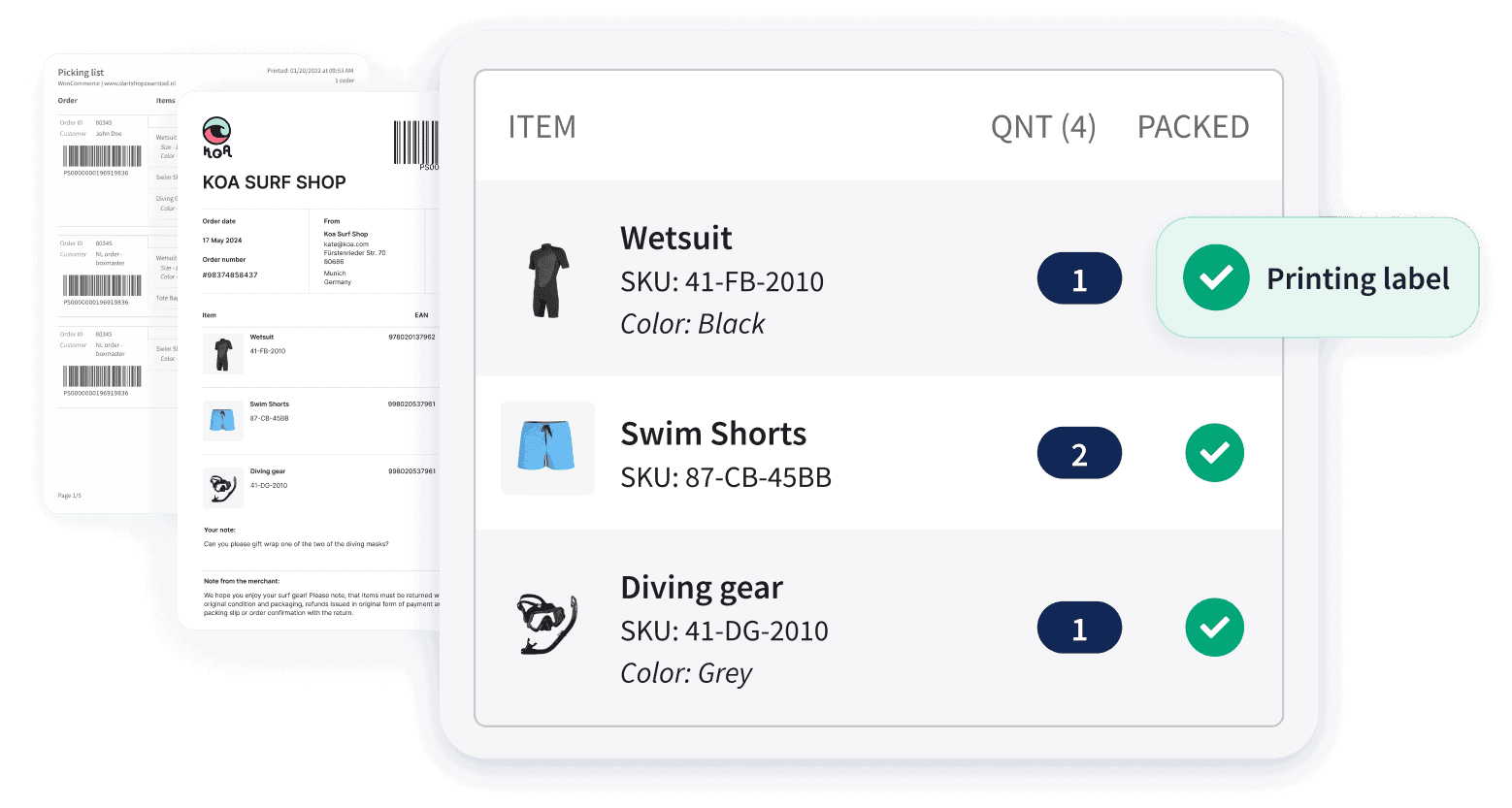
Shipping is an important part of your company's brand image because it's one of the last steps between you and your buyer, and often your only physical point of contact if you don't have a physical store. Run a survey to find out what consumers in your sector expect and what your competitors are doing when it comes to shipping. Keep in mind that 60% of French consumers abandon their shopping cart when they find that shipping costs are too high on an e-commerce site. That's why more and more online retailers offer free home delivery or delivery to a pickup point. To save time and cut your logistics costs by 4, don't hesitate to use parcel-shipping solutions that will simplify your entire process. Connect your store (Shopify, Prestashop, Woocommerce, Magento, etc.) and your marketplaces such as Amazon or Ebay to the Sendcloud module. You'll benefit from a simple and intuitive management interface thanks to automatic order import to your dashboard, with the option to print pre-filled shipping labels in a single click. All your favorite carriers are available there (Chronopost, Colissimo, tracked letter, etc.), giving you a wide range of shipping options to offer your end customers.
E-commerce checklist 10. What's the state of your customer service?
The last point of our e-commerce checklist! Have you made sure your customer service phone number and email address are clearly displayed on your online store? Right from the homepage, you need to show your visitors that you're easily reachable to answer all their questions. Don't forget to create a contact page accessible from your main menu, listing all your communication channels. Also add a link to your social media, which today is one of your community's preferred channels for communicating with your company. In fact, you can integrate Facebook Messenger into your site as a customer relationship management tool. A chat window opens when a visitor arrives on your store and lets them chat live with someone from your team. Of course, be available as often as possible so you don't frustrate your prospects when they try to contact you. Do you have any other tips to share for a high-performing e-commerce site?


Author and researcher
As a former e-commerce and logistics specialist at Sendcloud, Mickaël shared insights on shipping trends, logistics best practices, and e-commerce strategy for online retailers.
How much time can you save on shipping?

Share
Recommended for you

Shipping
Integrations
Best Shopify shipping apps: compare features, pricing & automation
Compare the best Shopify shipping apps for automation, carriers, labels, tracking, returns and international shipping. Find the right app for your store.

Shipping
Shopify shipping automation: How to automate your fulfillment workflow
Learn how Shopify shipping automation helps you automate fulfillment workflows, reduce shipping errors, save time, and scale with Sendcloud.

Integrations
TikTok Shop: How to start selling and manage shipping efficiently
TikTok Shop is expanding across Europe. Learn how to start selling, manage shipping, and scale fulfillment efficiently as order volumes grow.