Shopify shipping automation: How to automate your fulfillment workflow


Last updated:

TL;DR: Shopify shipping automation helps growing e-commerce merchants eliminate manual fulfillment tasks, reduce shipping errors, and scale without adding more manual work. In this guide, you'll learn how to automate shipping workflows—from carrier selection and label creation to tracking, warehouse processes, and returns—nd see how Shopify Flow and Sendcloud help you build a more scalable fulfillment process.
Shopify shipping automation becomes increasingly important as your business grows.
When you're shipping a few orders a day, fulfillment is easy enough to manage. But growth has a way of exposing bottlenecks. Labels take longer to create, delivery questions pile up, and managing multiple carriers takes more time than it should.
Fortunately, many of these tasks can be automated. In this guide, we'll look at how Shopify merchants can optimize their fulfillment and scale shipping operations more efficiently.
Along the way, we'll share insights from Sendcloud product experts Loes Keijsers and Dirk Bothof, who have helped thousands of Shopify merchants automate and grow their shipping operations.
Why manual Shopify fulfillment stops scaling
Most Shopify merchants start with manual fulfillment—and for good reason. When order volumes are low, creating labels, choosing carriers, and handling delivery questions is manageable.
The challenge comes when those same tasks need to be repeated hundreds of times a week.
The biggest fulfillment challenges typically fall into 5 areas:
Bottleneck | What happens as you grow |
Manual label creation | Processing labels one by one starts consuming hours every week. |
Shipping errors | More orders increase the risk of incorrect labels, carrier selection mistakes, and failed deliveries. |
Multiple carriers | Managing different carrier portals and workflows becomes harder to oversee. |
Support overload | Delivery questions and WISMO tickets take up more of your team's time. |
Warehouse inefficiency | Picking, packing, and fulfillment processes become harder to scale during peak periods. |
None of these challenges are unusual. They're a natural part of growth. And many of them can be automated!
What Shopify shipping automation actually means
When people think about Shopify automation, they often picture automatic label creation. But that's only one part of the process.
In reality, shipping automation covers much more than that.
Shopify already includes a range of tools that help you upgrade your fulfillment. Depending on your setup, you can automate tasks such as:
order routing,
address validation,
shipping method selection,
return labels,
and workflow triggers through Shopify Flow.
For many merchants, these capabilities provide a strong foundation for managing day-to-day fulfillment.
As your business grows, though, automating individual tasks isn't enough. You also need to coordinate shipping across multiple carriers, warehouses, markets, and customer touchpoints.
That's why shipping automation is best thought of as a collection of connected workflows rather than a single feature.
Examples include:
Automatically selecting the right carrier based on destination, weight, or product type
Generating shipping labels in bulk
Routing orders to the correct warehouse
Sending proactive delivery updates
Managing delivery exceptions and carrier claims
Automating returns and post-purchase communication
The goal is to keep fulfillment running smoothly at higher shipping volume, without adding more manual work at every stage of the process.
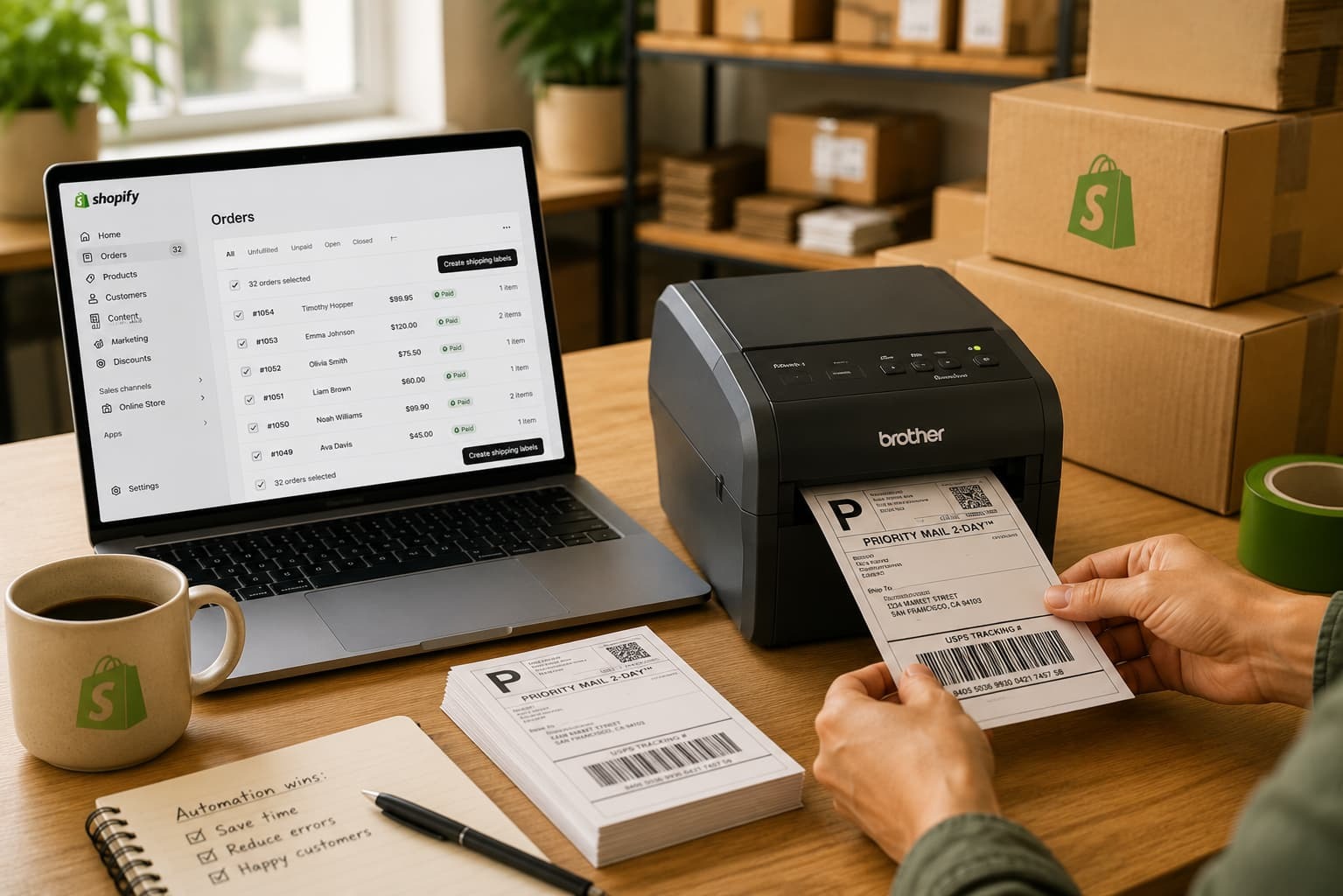
5 ways to automate your Shopify fulfillment workflow
You don't need to automate everything at once to see results.
In most cases, the biggest gains come from removing repetitive tasks that happen with every order. From carrier selection to customer communication, small automation improvements can save hours every week while making fulfillment more consistent and scalable.
Here are five areas where Shopify merchants typically see the biggest impact:
Shipping rules and carrier automation
One of the easiest ways to save time is to stop making the same shipping decisions over and over again.
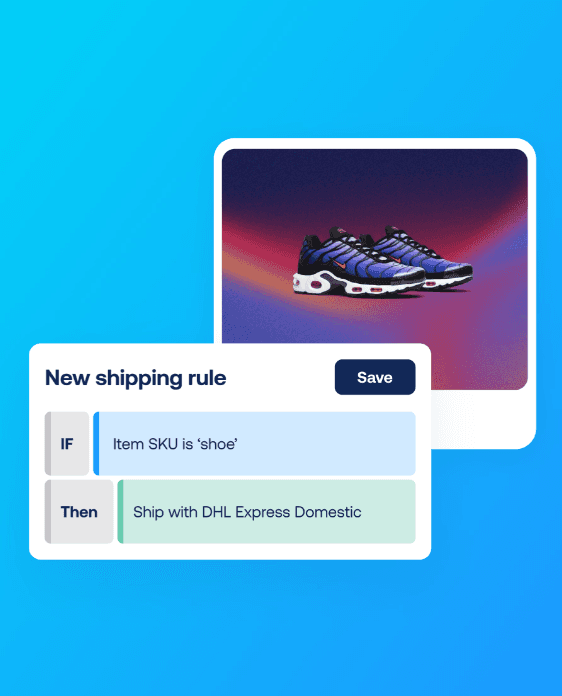
Shipping rules allow merchants to automate carrier selection based on criteria such as destination, order value, parcel weight, product type, or delivery speed. Instead of manually choosing a carrier for every shipment, the correct shipping method is applied automatically.
For example, a Shopify order tagged as "Express" could automatically be assigned to a premium delivery service, while international orders could trigger specific customs settings or shipping preferences.
Shipping rules can also be used to automatically assign parcel dimensions, packaging types, or delivery options that match customer preferences.
These small workflow improvements help reduce manual decision-making, improve consistency, and prevent costly shipping mistakes over time.
"Most merchants only use a fraction of what's possible with shipping rules. Small automation gains on every order add up to significant productivity improvements over time." — Dirk Bothof, Product Lead at Sendcloud
Automated label creation and bulk processing
Creating labels one by one might not seem like a problem when order volumes are low. As fulfillment grows, however, creating hundreds of labels can quickly add up.
Bulk label creation lets you process multiple shipments in just a few clicks, reducing manual admin and speeding up fulfillment. Instead of reviewing and creating every label individually, teams can generate labels for multiple shipments at once and move straight to picking and packing.
The time savings become even more valuable during peak periods, when fulfillment teams need to process more orders without adding operational complexity.
Warehouse automation
Warehouse automation is often overlooked, but it's one of the biggest opportunities to improve fulfillment efficiency as fulfillment becomes more complex.
As teams process more orders, picking and packing can become an issue. Searching for orders, verifying products, and manually matching labels all add time to the fulfillment process.
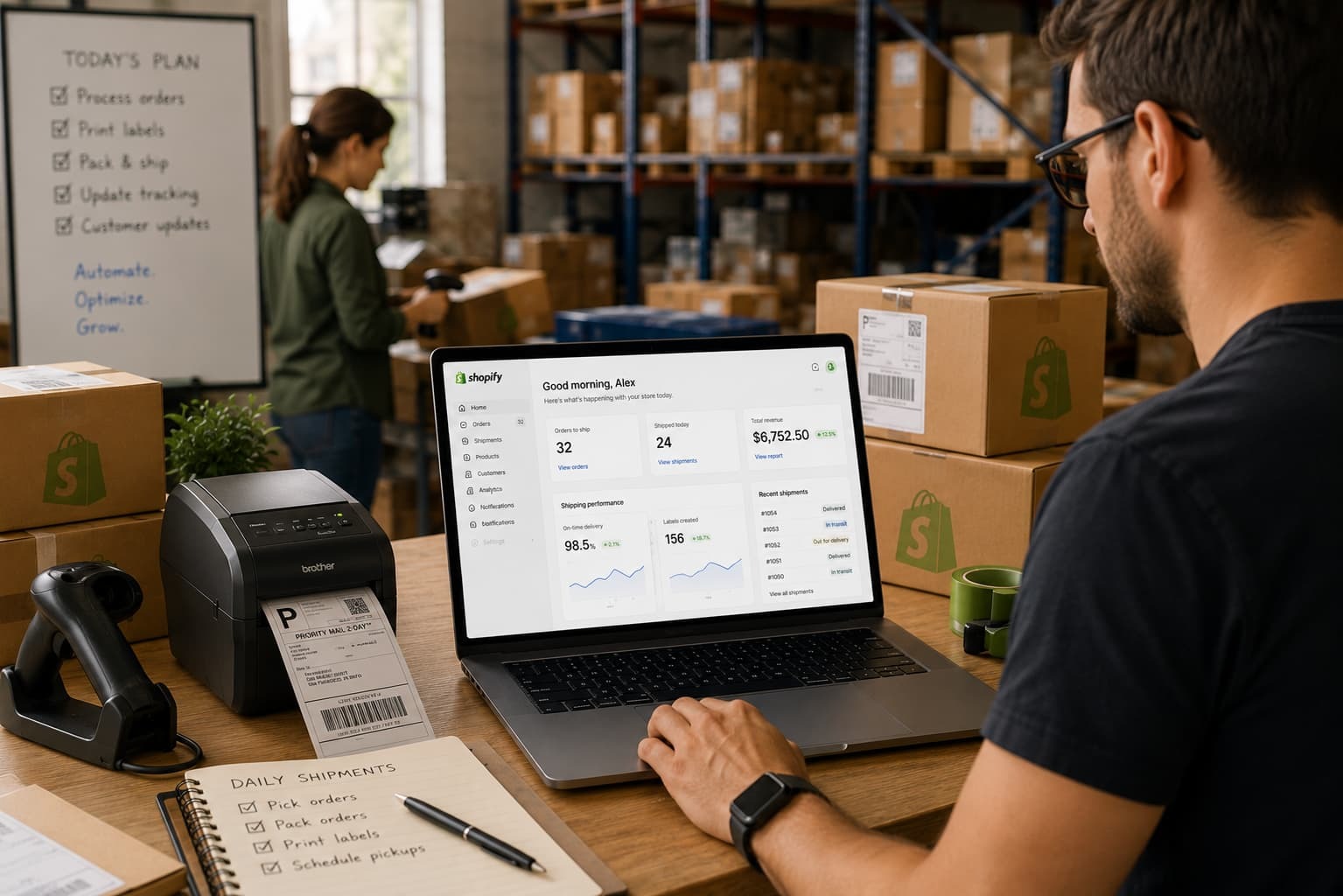
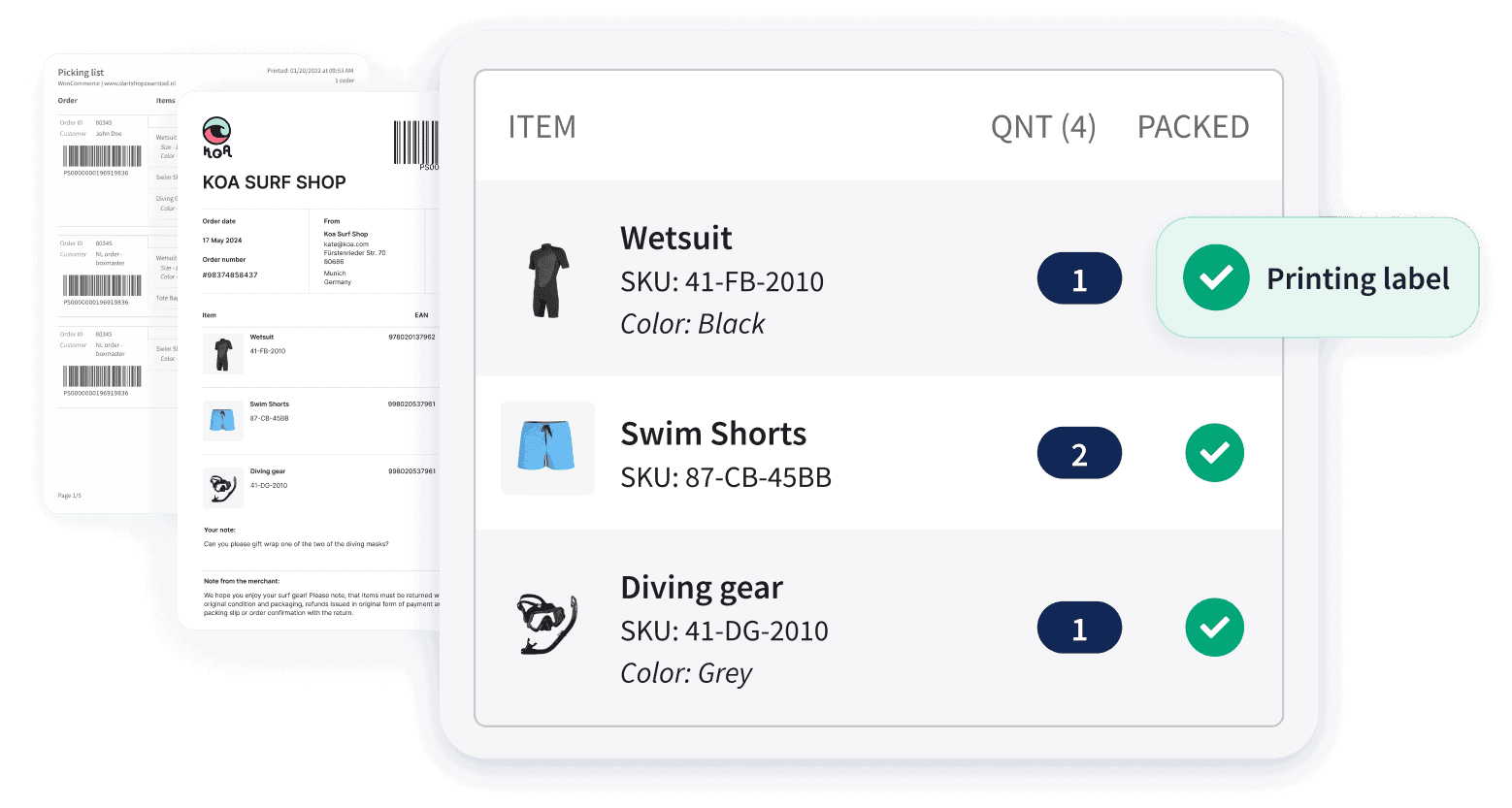
Automation helps to make these workflows easier. For example, warehouse teams can use scanner-based picking and packing processes to locate orders faster, validate items before shipment, and automatically print the correct shipping label.
"Users processing higher volumes often see the biggest gains from picking lists and packing workflows. Reducing even a small number of picking mistakes can have a major operational impact." — Dirk Bothof, Product Lead at Sendcloud
A typical workflow might look like this:
Scan the picking slip,
locate the order instantly,
print the shipping label,
and confirm the order is ready for dispatch.
These small improvements can make a significant difference at scale. Merchants using automated warehouse workflows can process orders up to 58% faster while reducing the risk of picking and packing errors.
Tracking automation and proactive communication
For customers, the order journey doesn't end at checkout. In many cases, it only starts once the parcel is on its way.
As shipment volumes grow, delivery updates can become a major source of support requests. Customers want to know where their order is, when it will arrive, and whether there are any delays.
Tracking automation helps keep customers informed without adding extra work for support teams. Automated delivery updates can be sent via email, SMS, or WhatsApp, while branded tracking pages give customers a single place to follow their shipment.
The result is a better post-purchase experience and fewer "Where Is My Order?" inquiries. In fact, proactive tracking communication can reduce WISMO tickets by up to 50%!
Support automation and exception handling
Even the most efficient shipping operation will encounter delivery issues from time to time. Parcels get delayed, delivery attempts fail, and shipments can occasionally go missing.
Without automation, resolving these issues often means switching between carrier portals, checking tracking information, updating customers, and managing claims manually.
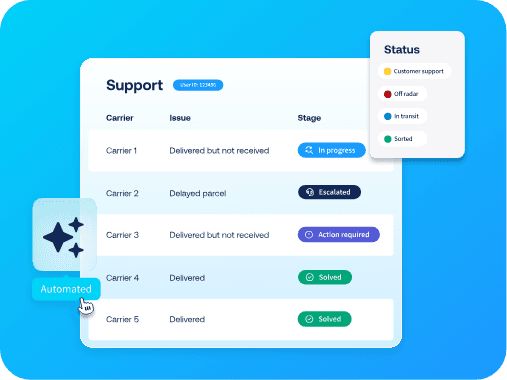
Support automation helps streamline that process. Delivery exceptions can be detected automatically, support workflows can be triggered, and customers can be notified before they need to contact your support team.
For example, if a shipment is delayed, a support workflow could automatically notify the customer, create an internal case, and initiate the carrier claims process where needed.
By centralizing issue management and automating repetitive support tasks, merchants can resolve shipping issues faster while reducing the workload on customer service teams. In some cases, automated claims management can help teams resolve issues up to 8x times faster.
Other shipping workflows worth automating
The workflows above often deliver the biggest impact, but they're far from the only areas where automation can save time.
As shipping operations become more complex, Shopify merchants also use automation to:
Validate and correct addresses automatically before shipments are created, helping reduce avoidable delivery errors.
Generate shipping documents such as invoices, packing slips, picking lists, and customs forms automatically.
Route orders to the right warehouse based on inventory availability, destination, or fulfillment costs.
Automate returns through self-service portals, on-demand return labels, and refund workflows.
Track return reasons and shipping performance to identify opportunities for operational improvements.
Like already mentioned before, you don't need to automate every workflow from day one. The biggest gains usually come from identifying repetitive tasks and removing them one step at a time.
Automation workflow | Estimated time saved | Main benefit |
Shipping rules & carrier automation | 2–4 hrs/week | Fewer shipping mistakes |
Bulk label creation | 3–5 hrs/week | Faster fulfillment |
Warehouse automation | 1–3 hrs/week | Faster picking & packing |
Tracking automation | 1–3 hrs/week | Fewer WISMO tickets |
Support automation | 1–2 hrs/week | Faster issue resolution |
Address validation | 1–2 hrs/week | Fewer delivery failures |
Shipping document generation | 1–3 hrs/week | Faster cross-border shipping |
Order routing | 1–3 hrs/week | More efficient fulfillment |
Returns automation | 2–3 hrs/week | Less manual returns management |
While Shopify can automate many individual shipping tasks, growing merchants often need a way to connect fulfillment, carriers, tracking, and support workflows in one place. That's where shipping operations start to move beyond individual automations and into orchestration.
How Sendcloud extends Shopify shipping automation
Shopify already provides a strong foundation for shipping automation. But at some point, managing those workflows efficiently becomes just as important as automating them.
This is where Sendcloud comes in.
Rather than managing carriers, tracking, returns, and support workflows across multiple tools, merchants can centralize these processes in a single platform.
The result is more visibility, less manual work, and a shipping operation that's easier to scale.
Shopify native automation | Sendcloud operational layer |
Checkout delivery customization | Multi-carrier orchestration |
Smart order routing | Advanced shipping rules |
Fulfillment constraints | Carrier optimization |
Shopify Flow workflows | Shopify tag-based automation |
Label and return automation | Support automation |
Native tracking updates | Branded post-purchase experiences |
Warehouse assignment | Pack & Go warehouse workflows |
Shipping automation | End-to-end shipping operations |
For many merchants, Shopify's native tools are enough in the early stages of growth. As fulfillment becomes more complex, however, additional visibility, carrier flexibility, and workflow automation can help teams stay efficient without increasing operational overhead.
That's why many Shopify merchants use Sendcloud as the operational shipping layer that connects fulfillment, tracking, returns, and support in one place.

When is the right time to automate your Shopify fulfillment?
Many Shopify merchants already use some form of automation without realizing it. Shipping profiles, order routing, return labels, and checkout delivery options are all examples of automation at work.
The real question isn't whether you should automate. It's what you should automate next.
For most merchants, the need for automation becomes clear when fulfillment starts taking time away from growth. Labels take longer to process, support teams spend more time answering delivery questions, or warehouse workflows become harder to manage during busy periods.
Some common signs it's time to automate include:
You're processing 50–100+ orders per day
You're managing multiple carriers across different portals
Delivery questions are creating more work for your support team
Warehouse operations are becoming harder to coordinate
You're expanding into new markets and shipping internationally
"The more you ship, the more things can go wrong. A 1% issue rate at 100 parcels per month is one issue. At 2,000 parcels per month, it's almost one issue every day." — Dirk Bothof, Product Lead at Sendcloud
None of these challenges require an enterprise-sized operation. They're a natural part of growth.
The earlier merchants automate repetitive fulfillment tasks, the easier it becomes to scale without adding operational overhead.
How to get started with shipping automation
Getting started with shipping automation doesn't mean rebuilding your fulfillment operation overnight.
Start with the workflow that takes up the most time or creates the most friction. For some merchants, that's carrier selection. For others, it's tracking communication, warehouse processes, or returns management.
As your business grows, you can gradually expand automation across other parts of your shipping operation. Small improvements on every order can quickly add up to significant time savings, fewer errors, and a better customer experience.
"Many Shopify merchants start by connecting multiple carriers and offering different delivery options at checkout. As they grow, they typically expand into tracking automation and shipping rules to further streamline fulfillment." — Loes Keijsers, Product Manager at Sendcloud
The best time to automate isn't when your shipping operations become unmanageable. It's before it does.
Ready to simplify your Shopify shipping workflow? Discover how the Sendcloud Shopify integration helps you automate shipping, reduce manual work, and scale with confidence.


Author and researcher
As Global Content Manager at Sendcloud, Johanna leads content strategy across e-commerce, logistics, and shipping automation. With a background in B2B SaaS and a passion for clear communication, she creates educational resources that help over 30,000 online stores optimize and scale their shipping operations.

Subject matter expert
Partner Marketing Manager at Sendcloud, Clíodhna shares valuable industry insights from top e-commerce experts.
How much time can you save on shipping?

Share
Recommended for you

Sendcloud neemt Sendy over: eenvoud en schaal komen samen
Sendcloud neemt het Nederlandse verzendplatform Sendy over. Samen maken we verzenden eenvoudiger en schaalbaarder voor e-commerce bedrijven in iedere fase van hun groei.
Enterprise
Tracking
Sendcloud’s Post-Purchase Solution, now available in the tools your team already uses
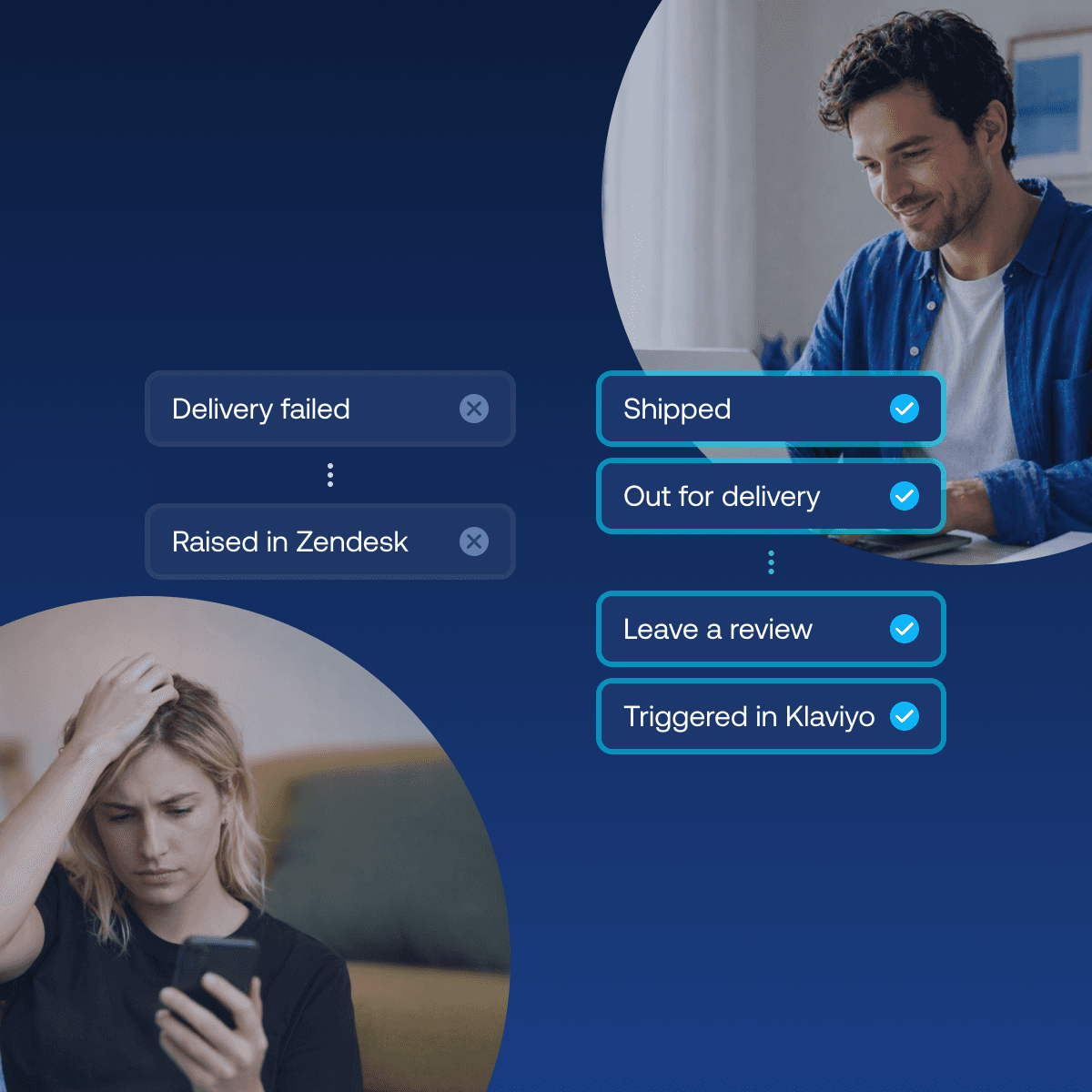
Most retailers leave post-purchase on default, letting carrier notifications and out-of-the-box tracking emails speak for the brand. Sendcloud's Post-Purchase Solution changes that: delivery events now flow straight into the tools your team already uses, like Gorgias, Zendesk, Freshdesk and Klaviyo, turning tracking updates into branded touchpoints, proactive support alerts, and automated claims, no matter which carrier or platform you ship with.

Shipping
Integrations
Best Shopify shipping apps: compare features, pricing & automation
Compare the best Shopify shipping apps for automation, carriers, labels, tracking, returns and international shipping. Find the right app for your store.