


How do you make sure a package arrives at the right place quickly, efficiently, and ideally without paying too much for it?
One key factor is a clearly readable address on the shipping label. But which shipping labels should you use? Which label printer fits your setup best?
And what else should you keep in mind? Our partner Zolemba.nl shares the 5 most important supplies for your e-commerce logistics in this article!
Shipping labels, label printers, and other must-haves for webshop logistics
Different carriers, shipping options, shipping terms, shipping rates, packaging materials, shipping labels, label printers... Shipping is about more than just getting a package from A to B.
Our partner Zolemba specializes in supplying (printed) shipping labels. In this article, Marieke from Zolemba walks you through everything you need to know about:
Shipping labels
Label printers
Shipping boxes
Packaging materials
Packing tape and other labels
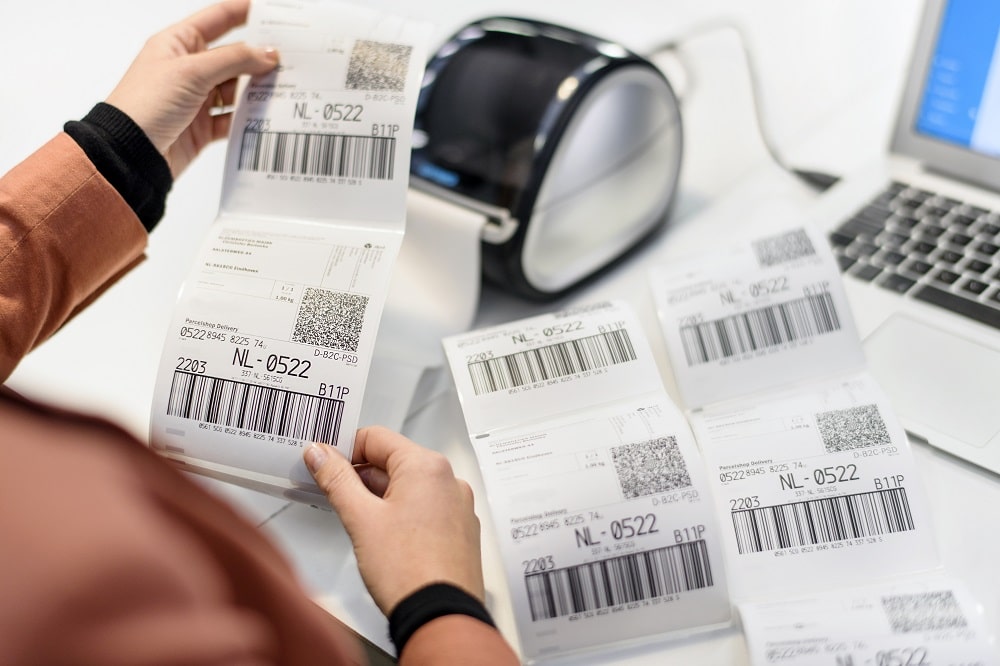
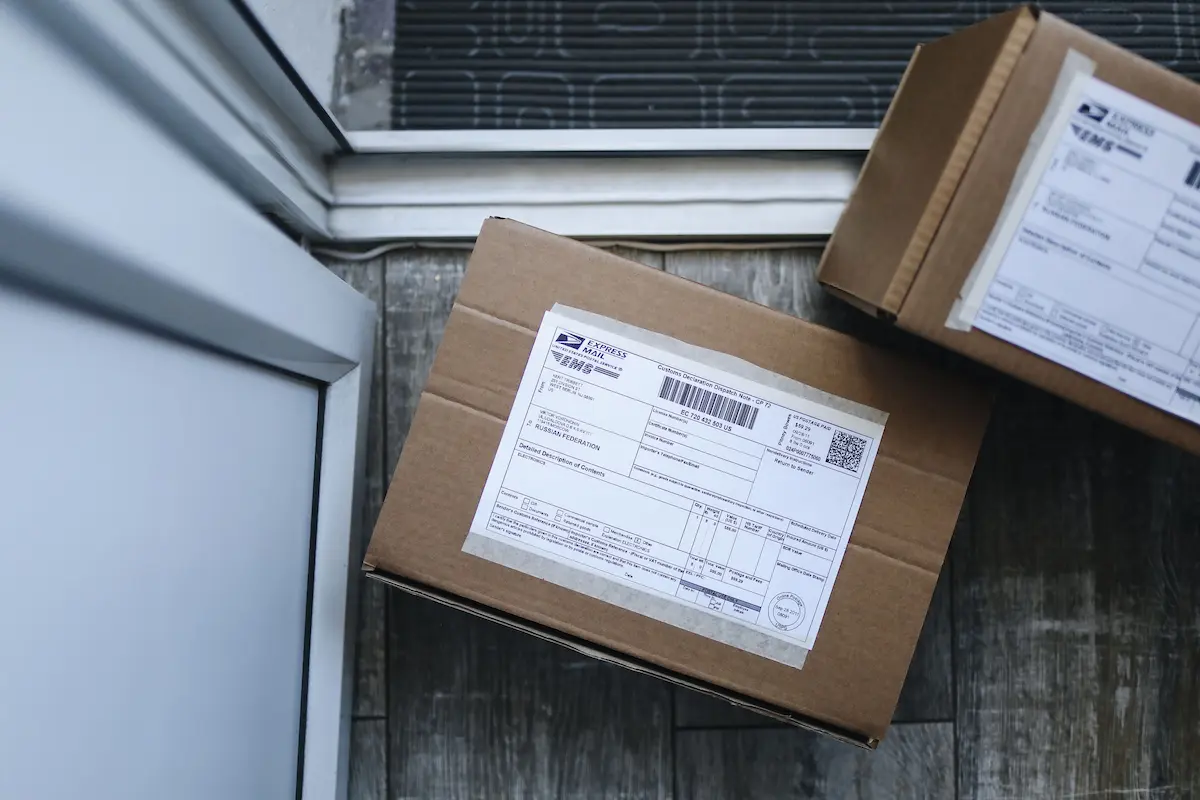
1. Without shipping labels, your packages will never arrive
You might be surprised we're calling this out specifically, but shipping labels are still a common source of mistakes.
If a label isn't scannable or the information is incomplete, that creates problems. That's exactly why it's a bad idea to tape over the barcode.
Shipping pouches or shipping labels
So what's the right approach? Many new business owners still use shipping pouches (plastic sleeves on the box).
Unfortunately, these are fairly expensive and take more time to process. We also know some business owners still print shipping details on a plain sheet of paper and tape it to the box.
It's cheaper, more efficient, and more professional to use shipping labels. These come in various brands, colors, sizes, and materials.
Good to know: labels on a roll work faster and cost less than labels on a sheet — more on that below.
If you only ship with one carrier, you can usually search for labels by carrier when buying them. If you already own a label printer, you can search by that instead.
That way you know for sure you're ordering the right labels, which also saves you money. Buying shipping labels in bulk helps too.
Include the right information
Even with the right shipping labels, things can still go wrong if the information on them isn't correct.
For example, it's important to keep the correct order of the shipping lines and avoid special text formatting, like italics.
In this article, you'll find exactly what to watch out for to prevent damaged or lost packages.
2. Print efficiently and affordably with label printers and more
Printing labels by hand isn't just more expensive (thanks to ink cartridges) — it's also inefficient. Label printers work faster and print at a higher quality more consistently.
And with a label printer, you don't have to wait for the ink to dry. You can use all the time you save to grow your webshop instead.
Printing techniques and label sizes
There are two printing techniques: direct thermal and thermal transfer. Direct thermal printing uses heat instead of ink, which is ideal!
If you print small quantities at a time, a desktop label printer works well. For larger volumes, an industrial printer is the smarter choice.
Your label size naturally needs to match your label printer (or vice versa). It's also important to check the requirements of the carrier you ship with. At Sendcloud, we use one standard size: 105 x 148 mm.
This label size comes in two variants: 25 mm core and 76 mm core. The right core size depends on your printer.
For a desktop printer, go with the 25 mm core. For an industrial printer, the 76 mm labels are the better choice, since you'll need to replace the roll less often.
Best printer and printer settings
There's a huge range of label printers available, from brands like Zebra, Dymo, and Brother.
The Dymo labelwriter 4XL comes out on top in several comparison reviews, both on price and performance. If you have a bigger budget, the Zebra GK420D is a great option.
Important to know: it's essential to set up your label printer correctly with the right printer settings, so your labels stay easy to read.
Want to make sure you're set up right as a new business owner? Then a starter package with a printer and matching labels is a great choice.
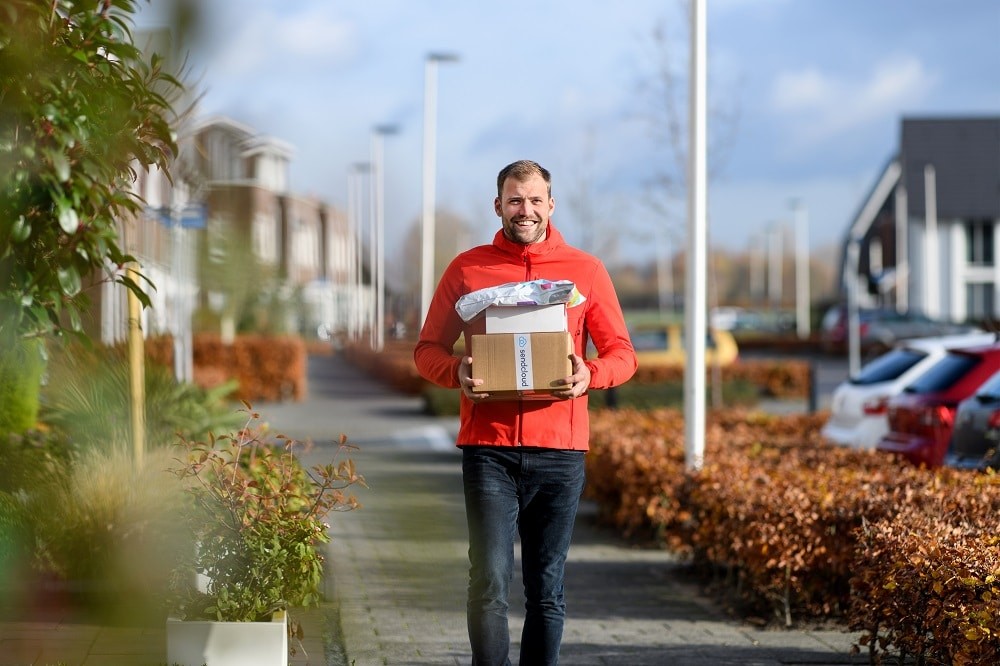
3. No packaging, no package to ship
Correct shipping labels matter a lot, but you can't forget about packaging either. Every carrier has requirements your package needs to meet.
It's important to keep this in mind — as a webshop, you obviously don't want a damaged package and a disappointed customer as a result.
These days, there are plenty of options for shipping a product, depending on what the product is and what it's worth.
From a letterbox envelope to a mailer bag for clothing, and from a mailbox box to a square cardboard box for bigger products or orders.
One thing to keep in mind: your packaging needs to be sturdy enough that it doesn't bulge out, since that can trigger an unexpected surcharge.
Under carrier rules, a package needs to be packed well enough to survive a one-meter drop without anything breaking.
In this article, you'll find everything you need to know about packing your shipments safely and correctly.
4. Packaging materials for safe transport
Besides the shipping box itself, the inner packaging matters too. After all, you want your products to reach your customers in good condition.
A product that sits loose in the box can easily get damaged. To prevent this, you can use various types of filler material, like wood wool, air pillows, and packing chips.
Which packaging material works best depends on the products you ship. If you're shipping a box within a box (say, a kettle in its original packaging inside your shipping box), air pillows work well.
Packing chips are a good choice for products that need protection on multiple sides.
Creating an unboxing experience
Something that's often overlooked: you can use packaging materials to create an unboxing experience for your customer.
When your customer is excited to receive their order and unpacking it is an experience in itself, that boosts how they feel about your webshop.
There's a good chance they'll order from you again (as long as they like the products too, of course).
And creating an unboxing experience doesn't have to be complicated. Even a small gesture can do the trick — think a handwritten note, tissue paper with a fun print, or a small unexpected gift.
Check out our unboxing experience article for more tips on turning every package into a gift!
Tip: if you're worried about a package getting damaged, you can choose insured shipping.
5. Packing tape and other labels
You won't get far without tape, and it's another place you can carry through your branding with printed tape.
Printed or not, it's important to use strong tape that holds up through the delivery process. We recommend using tape that's at least 48 mm wide.
In some cases, it's well worth adding something extra to the box: warning labels. Think stickers like "fragile," "heavy," and "this side up."
These help make sure your staff, the carrier, and the customer all handle the package the right way. Just check beforehand whether this is allowed by the carrier you're shipping with — international packages sometimes have different rules.
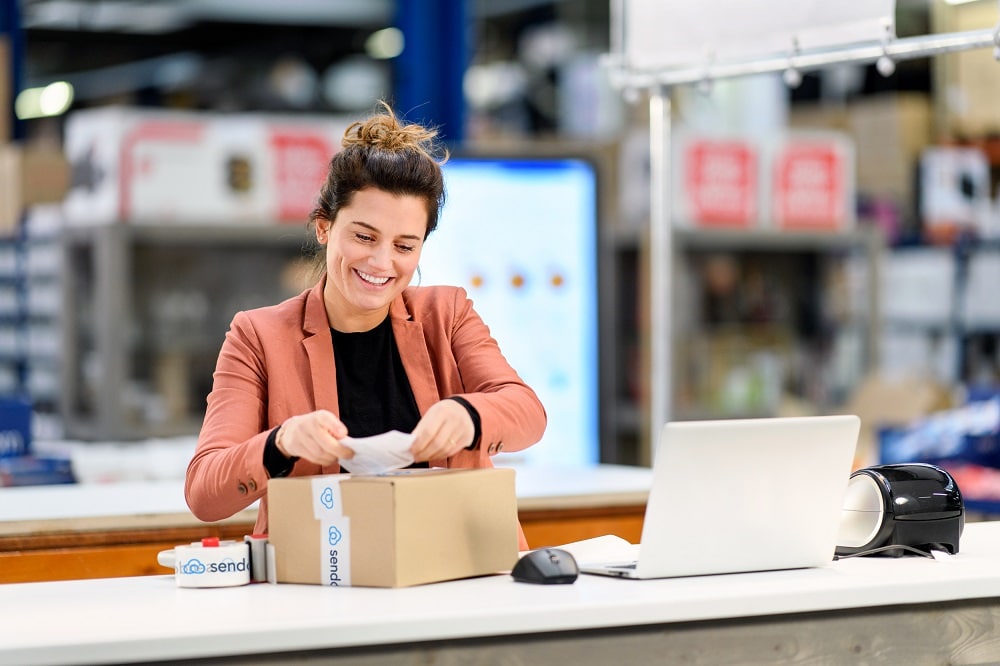
In closing: logistics as the engine of your webshop
While e-commerce logistics feels like a burden for most webshops, it's a process you can't do without.
Without shipping and delivery, an order is never truly complete. Since there's no way around it as a webshop, you might as well make the process as efficient as possible.
Hopefully this article on the 5 must-have supplies for your webshop has helped you move forward. If you have any questions after reading this, feel free to leave a comment!
About Zolemba
This article was written by Marieke from Zolemba. Why does ordering and receiving printed labels sometimes take days or even weeks? Does it really need to be that complicated?
In practice, it turned out other suppliers had a pretty logical explanation. Here's why:
Making printing plates: 24 hours
Ordering material: 3-day delivery time
Ordering the die-cut plate: 5-day delivery time
Ordering the die-cut cylinder: 2-week delivery time
Transport: 24 hours
So Zolemba went looking for machines that could bring this process down from days to hours. They landed on a digital process for both printing and cutting the label. The machines print with the latest digital UV inkjet technology and cut the label using 2 lasers instead of a die-cut tool. Thanks to this game-changing process, they can switch between designs — for both printing and cutting — within seconds.


Author and researcher
As former Marketing Specialist at Sendcloud, Daniëlle Elbertse focused on IT and e-commerce logistics, sharing insights on shipping optimization and online retail operations.
How much time can you save on shipping?

Share
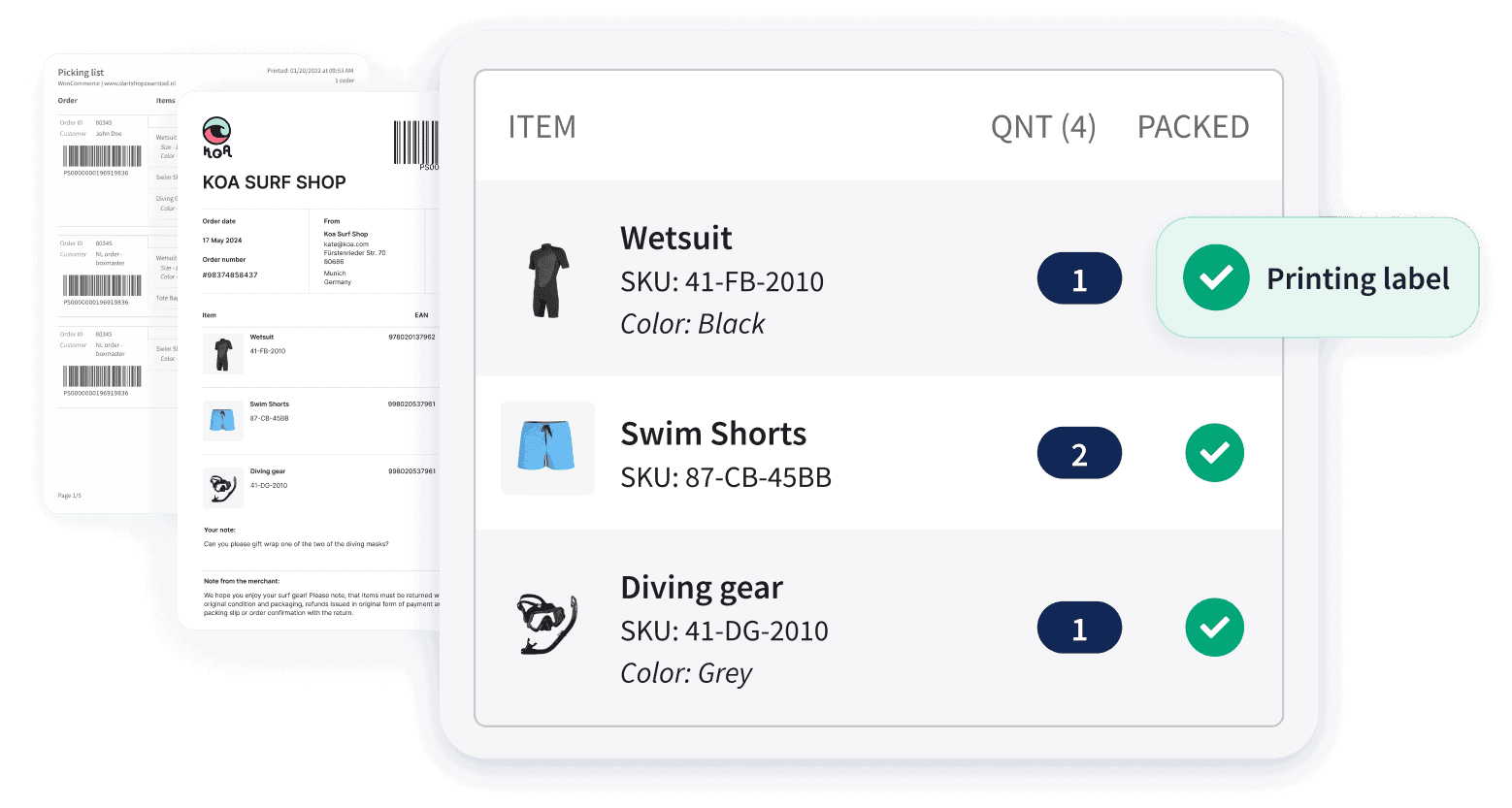
Recommended for you

Shipping
Integrations
Best Shopify shipping apps: compare features, pricing & automation
Compare the best Shopify shipping apps for automation, carriers, labels, tracking, returns and international shipping. Find the right app for your store.

Shipping Intelligence
Shipping
E-commerce
Best 9 Shipping Data Analytics Software Tools (2026)
E-commerce
Enterprise