


A few weeks ago, we published an article on the Sendcloud blog about label printers for your parcel shipments. We know that logistics processes are costly for a business, whether in terms of time or money. That is why the Sendcloud teams have always strived to find solutions to help you speed up your parcel preparation time. This is how 1-click label printing was born. Here is more about this feature.
Parcel shipping labels in 1 click
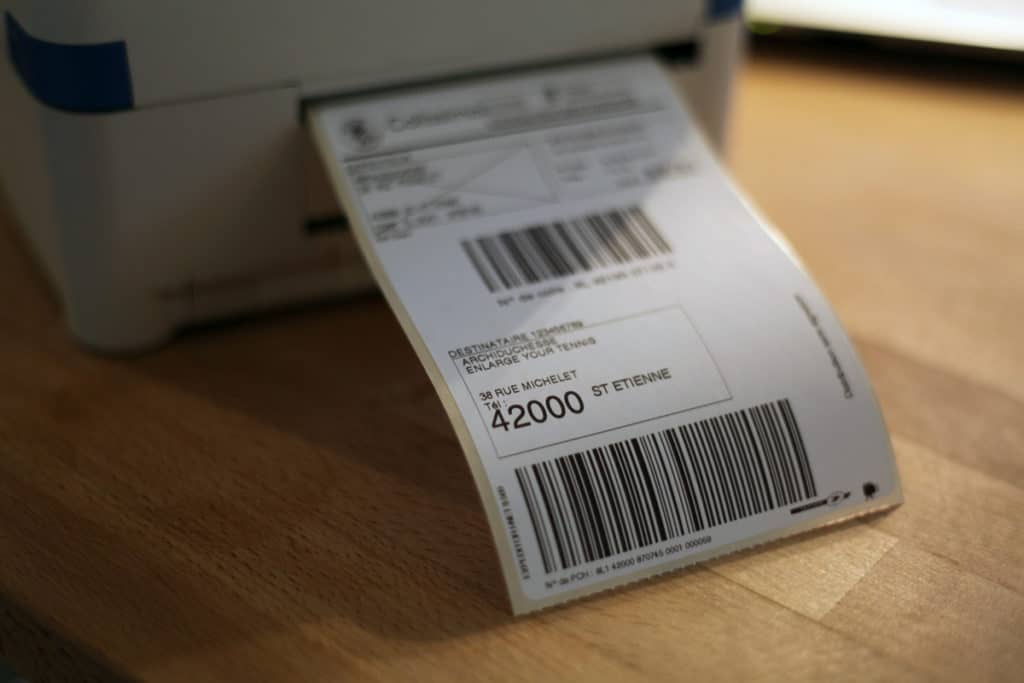
At Sendcloud, we are aware of the challenges faced by all European e-commerce merchants, having been through it ourselves before (to read our story, click here!). So we are always on the lookout for optimizations to make preparing your orders less tedious. And that naturally includes saving time on the printing itself. With Sendcloud, you can print your labels by simply clicking "Print," and they come out of your printer automatically and with far better quality (size, format, text, and more).
Our goal: to help you get rid of time-consuming and repetitive tasks. It is very simple: configure your printing options and connect your printer directly to Sendcloud. Your labels will print automatically in the right format (chosen by you beforehand in your settings) for every order you want to ship.
From the Stone Age to parcel shipping 3.0
Many of our customers chose Sendcloud for a reason that is (almost) obvious: simplicity. And our main mission is to make your life as simple as possible. Are you using an expensive and unintuitive solution? Do you need a set of modules and apps, each more complex than the last, for your logistics processes? Wait no longer, and above all, look no further. We have the most complete solution on the market today for parcel shipping. And to top it all off, our solution has no commitment, no minimum shipping volume, and is free! Yes, that's right, free.
So import your orders automatically into our interface, select the ones to process, and click "print." There you go, your labels are ready to be placed on your parcels. Previously, you had to download your labels in PDF format and then print them. That's a thing of the past!
How do you print your shipping labels?
Installing the Sendcloud app and connecting your printer will take you only a few minutes. And you will then be able to access a much faster and more efficient service for printing your labels.
Here are the 4 steps to follow:
Go to your "Created labels" tab and click on the printing options
Click on "Download the app"
Open the downloaded file to install the Sendcloud app for your printer. Follow the instructions and don't worry, it really only takes one minute of your time. Once installed, check that the program is working on your computer. If it is, return to your Sendcloud portal.
After installing the app and starting it up, select the printer you want to use as well as the print format for your labels. Don't forget to check "Save the information" to avoid seeing the options window appear at every print. That way, your selected settings will apply to all your future prints.
Don't hesitate to contact our Support team if you run into any difficulties installing the Sendcloud app.
Ship your parcels with peace of mind thanks to quality labels
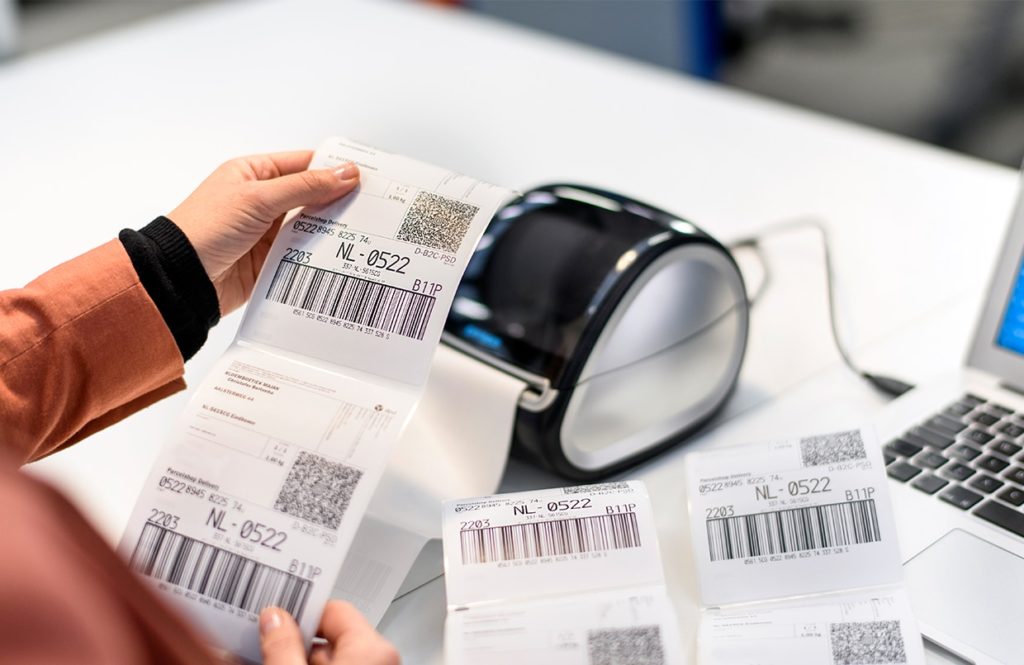
Not only do your labels print in 1 click, but we have another surprise for you! They are also optimized so that you no longer have any problems when shipping your parcels (overcharges, poor ink quality, truncated address, incomplete barcode, and so on).
The benefits of the new labels:
Reduced risk of overcharges
Reduced risk of loss and/or additional delays
Ever more satisfied customers
And Sendcloud has more to offer you...
Are you looking to speed up your parcel shipping processes even more? Have you thought about automatic shipping rules? With Sendcloud, you can set conditions to automate your shipments.
An example of an automatic rule: all orders under 3 kg and less than 3 cm thick shipped in France will be sent as a Tracked Letter. That way, you no longer have to manually edit each order before printing the labels.
Are you ready?
Whether you have a warehouse or a stock, you can now leave slow and tedious processes in the past and embrace parcel shipping 3.0.
We are available to answer all your questions about logistics and parcel shipping. And above all, we are supporting you through the Coronavirus crisis. The whole Sendcloud team is at your disposal to answer your questions. Don't hesitate to leave us a comment.


Author and researcher
As a former e-commerce and logistics specialist at Sendcloud, Mickaël shared insights on shipping trends, logistics best practices, and e-commerce strategy for online retailers.
How much time can you save on shipping?

Share
Recommended for you

Shipping Intelligence
Shipping
E-commerce
Best 9 Shipping Data Analytics Software Tools (2026)

VAT on shipping costs: how does it work?
Why do you pay VAT on shipping costs? Which VAT rate should you use, and how do you pass it on smartly to your customer? Find the answers in this guide.

5 tips to speed up your online store for more conversions
Speeding up your online store is essential for more conversions. Read 5 tips here that help you improve your site speed!