How to file DPD claims for lost, damaged or delayed shipments


Last updated:
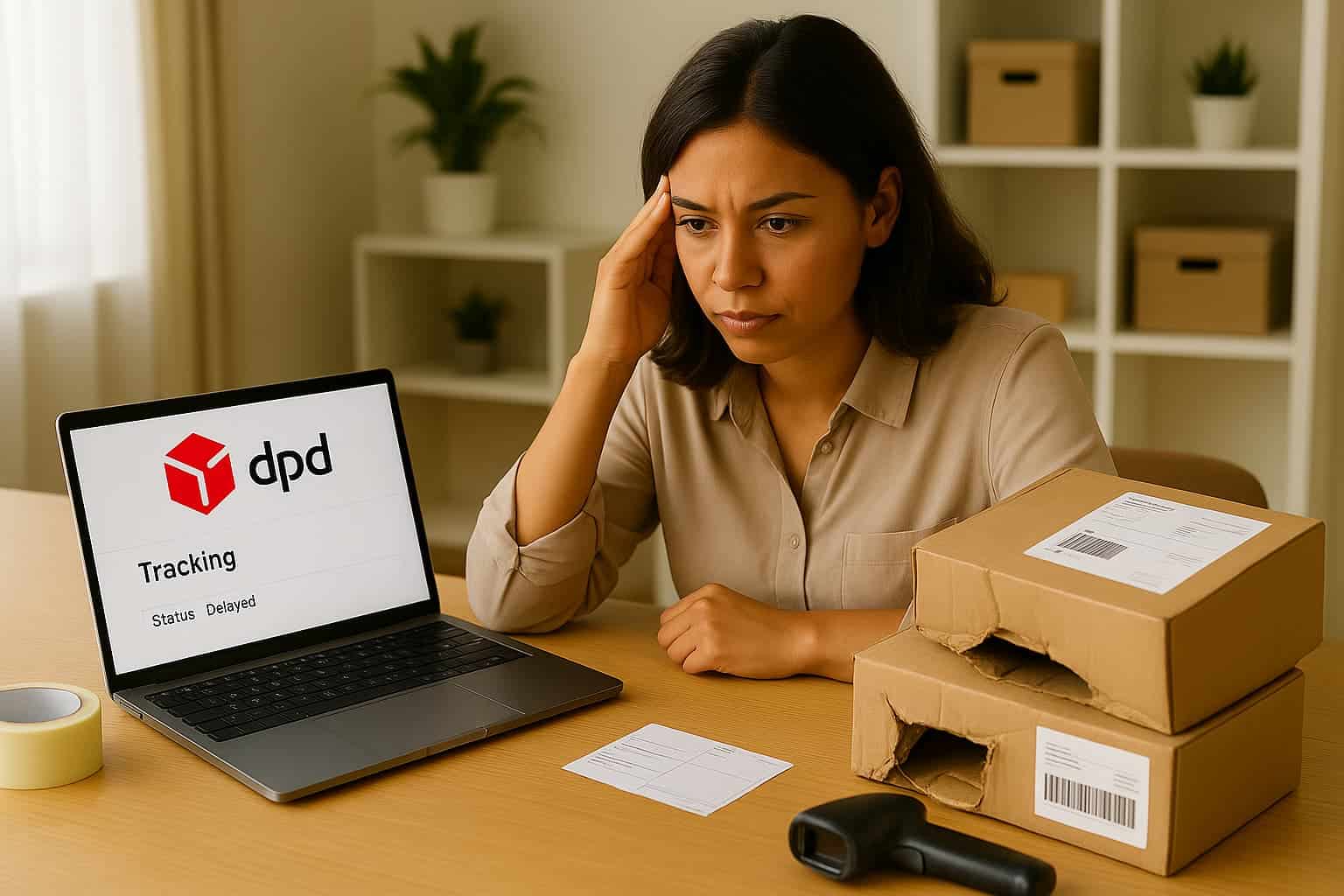
Shipping issues happen. Even with top carriers like DPD. Maybe a parcel never arrives. Maybe the contents are damaged. Either way, every claim you don’t file correctly is money left on the table.
The frustrating part? Filing a claim with DPD isn’t as straightforward as it should be. Between the different claim types, portal links, documentation rules, and deadlines, merchants often waste hours navigating inconsistent processes — only to miss out on refunds altogether.
In this guide, we’ll break down how to file a claim with DPD, explain exactly what’s required for each claim type, and show you how to automate it.
Who can file a DPD claim?
Let’s start with the basics: only the sender (the person or company who paid for the shipping) can file a claim directly with DPD. That’s true for domestic and international shipments.
If you shipped the parcel via a third-party platform like Sendcloud, the claim must be filed through that platform. DPD won’t accept claims from the recipient or from unauthorized third parties.
What types of claims can you file?
Lost parcels: If the parcel never arrives or tracking stops updating
Damaged parcels: If the contents are broken or defective upon arrival
Delays: Only if your business contract includes guaranteed delivery times (e.g. Express 10:00)
Now let’s look at what to do depending on the problem you’re facing. But keep in mind — handling claims manually, especially across multiple carriers, is time-consuming, error-prone, and a drain on your team. That’s why later in this guide, we’ll show you how to automate it all!
Filing a claim for a lost DPD parcel
When is a parcel considered lost?
Generally, if your parcel hasn’t moved in 3 working days after its last scan, it may be time to act. In the Netherlands, this is the typical threshold for starting an investigation.
Here’s how to file a lost parcel claim with DPD
Step 1: Confirm the parcel is inactive
Check the parcel status in myDPD or Track & Trace. If the last scan was over 3 working days ago and the parcel hasn’t been delivered, it may be time to report it.
Step 2: Gather your documentation
You’ll need:
Parcel number and shipment date
Consignee details
Invoice or order confirmation (to prove value)
Your bank account number
Optional: A short written statement from the recipient confirming non-receipt
Step 3: Log into the claim portal
Go to your local DPD business dashboard or national claims portal. This may be embedded in your myDPD account or available via your customer service contact. Choose the claim type “Lost parcel” and begin the submission process.
Step 4: Fill in the claim form
Include parcel details, your contact info, and all supporting documents. Some systems let you submit incomplete claims and follow up later with missing files.
Step 5: Track your claim
Once submitted, DPD typically resolves claims within 30 calendar days. You’ll get email confirmation and, in some cases, updates as your claim is reviewed.
Step 6: Understand the compensation
Lost parcel claims are typically compensated based on weight — approx. €3.40/kg under DPD’s standard liability. If you declared a higher value or used additional insurance, the refund may be higher.
If you’re handling multiple lost parcels per week, this process can quickly become a time sink, which is why many merchants choose to automate DPD claims instead.
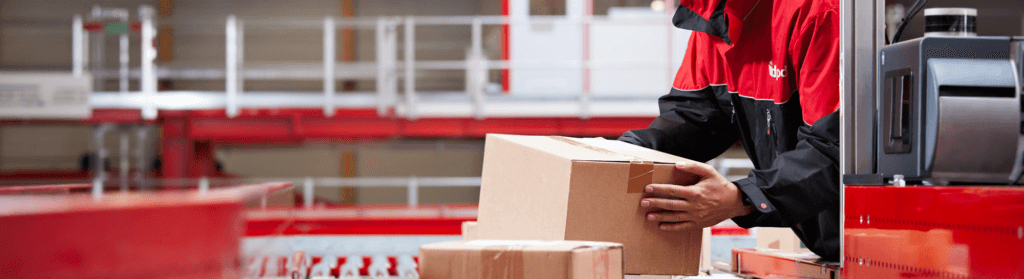
Damaged parcel claims with DPD — what to do when your parcel arrives broken
Sometimes the damage is obvious. Other times, it’s only clear after unpacking. In both cases, DPD requires you to act quickly — within 7 working days of delivery.
How to file a damaged parcel claim with DPD
Step 1: Check and record the damage
If the parcel looks damaged at delivery, the recipient should refuse it or sign a damage report with the carrier. If the parcel is accepted and damage is found later, document it immediately.
Step 2: Take comprehensive photos
DPD requires photo evidence of:
The shipping label (clearly visible)
Outer packaging (showing any damage or tampering)
Internal packaging (padding, void fill)
The damaged item(s) themselves
💡Tip: Don’t throw away the packaging. DPD may ask to inspect it.
Step 3: Collect required documents
In addition to photos, prepare:
Proof of value (invoice, receipt, or statutory declaration)
A written description of how the item was packed
Optional: A repair estimate or declaration of irreparability (especially for electronics over €2,500)
Step 4: Log in and submit the claim
Access your local DPD claim portal and select “damage” as your claim type. Attach all documents, describe the issue clearly, and submit your request.
Step 5: Track the case
You’ll get confirmation by email and possibly a link to add additional files if anything’s missing. DPD usually responds within 30 days.
Step 6: Know what affects approval
If your packaging didn’t meet DPD’s standards — for example, fragile items shipped without padding — your claim may be denied. Always document your packing method clearly.
Keeping track of photos, deadlines, and follow-ups across carriers is one of the main reasons teams switch to centralized claim management.
What about delayed parcels?
Unlike lost or damaged shipments, DPD doesn’t usually compensate for delays — unless your business contract includes a guaranteed delivery service, like DPD Express 10:00 or 12:00.
If a parcel arrives late and you don’t have time-definite shipping in your agreement, you're unlikely to receive a refund.
However, if you do have a service-level guarantee and DPD fails to meet it:
Reach out to your account manager or DPD business support
Be prepared to provide tracking info and proof of delay
In some cases, a service refund or goodwill gesture may be granted
If you’re not sure what your current contract includes, your DPD account rep can clarify your eligibility for compensation.
When eligibility depends on contract type and service level, automated checks help avoid filing claims that won’t be accepted.
Quick summary checklist
Case | Lost parcel | Damaged parcel |
|---|---|---|
When to file | Within 7 calendar days of ETA | Within 7 working days of delivery |
Photos required? | Optional | Required (label, packaging, item) |
Damage report? | Not applicable | Required (if visible at handover) |
Proof of value? | Required | Required |
Refund timeline | ~30 days after full submission | ~30 days after full submission |
Risk of denial | Low | Higher if packaging is insufficient |
Regional differences worth noting
Netherlands: Wait 3 working days after the last scan before reporting a lost parcel
Belgium: Start with a formal complaint — claims can only proceed once DPD confirms the carrier is responsible
Why manual DPD claims drain your team (and your refunds)
For most merchants, filing a DPD claim still starts with an inbox search.
You dig through emails to find the parcel number. You check tracking links. You ask your warehouse team for photos — if they remembered to take them. Then you spend 15 minutes filling out a form on a portal that doesn’t save your progress… only to realize you’re missing the invoice. Or the recipient details. Or the bank account reference.
Multiply that by 5 or 10 claims a month, and suddenly your customer support team is spending hours just chasing paperwork.
Worse: Each carrier has its own deadlines, rules, and document formats. DPD won’t accept claims from recipients. Some regions require a complaint first. And if you miss a single field or photo, your claim could be delayed. Or even denied.
The result?
Refunds quietly go unclaimed
Team capacity is drained by repetitive admin
Customers don’t get timely updates on their delivery issues
Business leaders lose visibility into how much money is being left on the table
Manual claim handling might get the job done — eventually. But it won’t help you scale.

There’s a smarter way to manage parcel problems
That’s why we built Support Automation — to help e-commerce teams stop losing time and money over delivery issues.
Support Automation turns delivery problems into structured workflows:
One view for all claims: DPD, DHL, PostNL, and more. No need to juggle portals or email threads
Smarter claim creation: Shipping data is already there. Just click to file
Deadline alerts and reminders: Stay ahead of DPD’s 7-day cutoff
Action-required updates: Get notified the moment a carrier needs extra info, photos, or approval—so nothing slips the deadline
Live claim statuses: See which refunds are pending, approved, or at risk
Up to 8× faster processing: Less admin, more recovered revenue
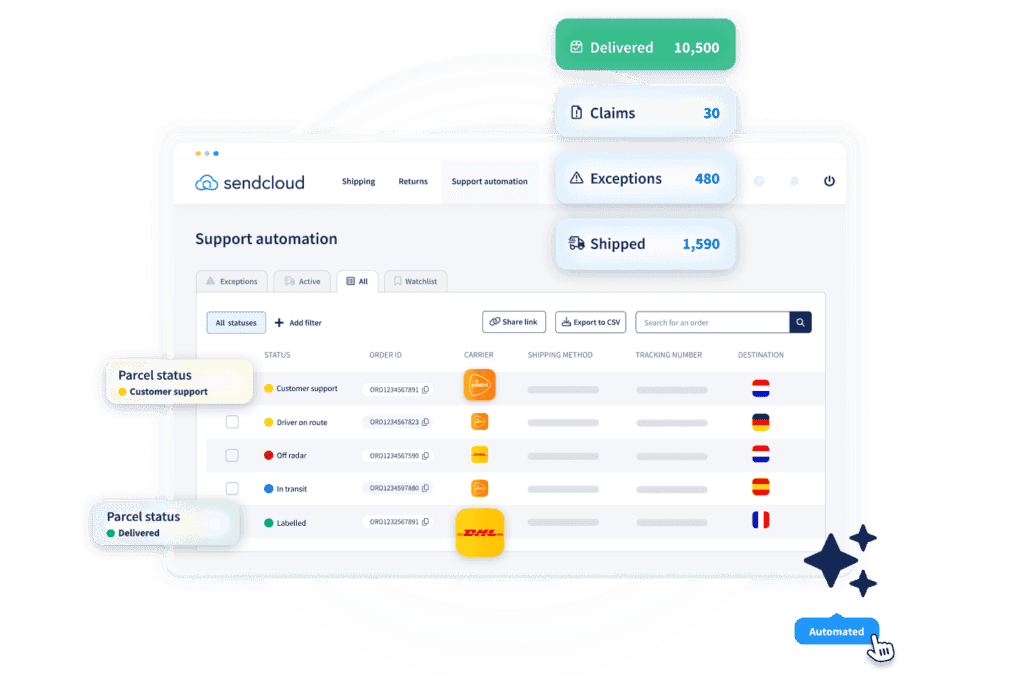
No more inbox chaos. No more missed refunds.
Just one platform that helps your team resolve issues quickly — before they affect your customer experience or bottom line.
“By communicating delivery issues proactively, we saw an immediate CSAT and Trustpilot increase.” — Alex Formicola, Rosefield
If DPD is part of your carrier mix, it’s time to upgrade how you handle claims! Discover Support Automation now and say goodbye to manual headaches forever. Book your free demo here!
* Disclaimer: This playbook summarizes common DPD claim rules as of 2025. Always verify against the current Terms & Conditions and local transport law.


Author and researcher
As Global Content Manager at Sendcloud, Johanna leads content strategy across e-commerce, logistics, and shipping automation. With a background in B2B SaaS and a passion for clear communication, she creates educational resources that help over 30,000 online stores optimize and scale their shipping operations.

Subject matter expert
Anna, who co-founded Lox to tackle last-mile delivery hurdles and help businesses save time and money, was responsible for commercializing the product from the ground up. Following Lox's acquisition by Sendcloud, she's now focused on building out Support Automation, a new solution aimed at making delivery incident management smoother for everyone.
How much time can you save on shipping?

Share
Recommended for you
Carriers
How to file Chronopost claims for lost, damaged or delayed shipments
Learn how to file Chronopost claims as a merchant. Step-by-step for lost, damaged, or delayed parcels—plus a faster way to get refunds.
Carriers
How to file DPD claims for lost, damaged or delayed shipments
Learn how to file DPD claims as a merchant. Step-by-step for lost, damaged, or delayed parcels—plus a faster way to get refunds.

Carriers
How to file Colissimo claims for lost, damaged or delayed shipments
Learn how to file Colissimo claims as a business customer. Step-by-step for lost, damaged, delayed parcels—plus a faster way to get refunds