How to file DHL claims for lost, damaged or delayed shipments


Last updated:
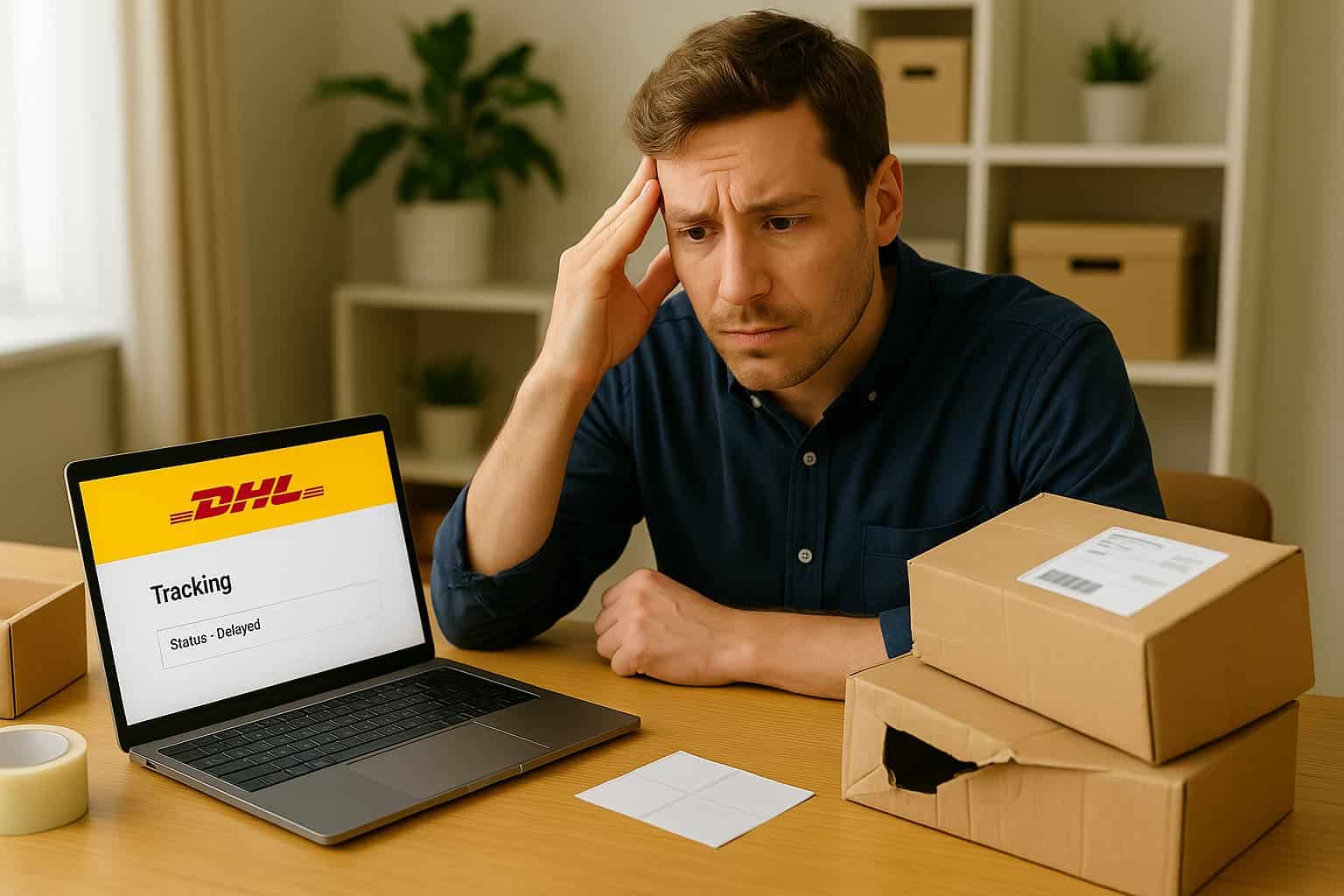
When a shipment goes wrong, your customer doesn't care whether it's a DHL Express parcel or a DHL eCommerce delivery. They just want it fixed. Fast.
But as a merchant, you know the reality: filing a claim with DHL depends on which division handled the shipment. Each has its own portals, deadlines, and rules. And when you're already managing hundreds of orders, the last thing you need is another form, another follow-up, or another delay in your inbox.
In this guide, we’ll break down the exact steps to file a DHL claim manually. And if you’re tired of juggling PDFs and portals, we’ll show you how to automate the whole process.
Who can file a DHL claim?
Only the paying shipper (the party that paid for the label) can file a claim with DHL, unless you explicitly transfer that right.
Here’s what that means for your team:
If you paid for the shipment → You’re good to go.
If your customer paid or booked it → You’ll need a waiver of rights or written permission from them before you can file the claim on their behalf.
DHL may ask for this document during the claim process. Especially for higher-value cases or international shipments.
💡 Pro tip: Add this check into your support SOPs so you don’t lose time chasing authorizations later.
Before we break down the full manual process step by step, just a heads-up: it’s time-consuming, fragmented, and frustrating. Especially if you’re juggling multiple carriers. But don’t worry! We'll show you a much smarter (and faster) way at the end.
Step 1. Confirm the DHL business unit first
Before you can file anything, you need to know who you’re filing it with. DHL isn’t just one company, it’s a group of different shipping divisions.
And different DHL divisions use different portals, deadlines and forms. So first, you need to identify which service moved your shipment.
DHL unit | Typical use case | How to file |
|---|---|---|
DHL Express (courier / air) | B2B, urgent cross‑border parcels & docs | MyDHL+ → Help & Support → File a claim |
DHL Parcel (road & last‑mile networks) | Domestic EU shipments (e.g., NL, DE) | My DHL Portal (NL); Geschäftskundenportal (DE) |
DHL eCommerce | Cross-border webshop traffic (e.g., UK) | Customer Claims Portal |
DHL Global Forwarding (Cargo) | Pallets, air freight, ocean freight | Cargo Claim Form (PDF) → email to DHL.CargoClaims@dhl.com |
💡Tip: If in doubt, check the tracking number format, shipping label or invoice. They’ll usually show which DHL unit was responsible.
Different DHL divisions use different portals and forms. Simplify claims across carriers in one place with Support Automation.

Step 2. DHL delay vs. loss vs. damage — know the difference
Different problems trigger different workflows and you’ll need different proof depending on what happened.
Definitions
Delayed shipment: Still in the network; transit time exceeded or scans stalled.
Lost / missing contents: Item (or part of it) cannot be located after DHL’s trace - DHL declares it lost.
Damaged: Physical damage to contents or packaging on receipt, or concealed damage found after opening.
What you do, what you need, what you get
Aspect | Delayed | Lost / Missing contents | Damaged |
|---|---|---|---|
Immediate action | Open a trace as soon as tracking stalls | Open a trace; file value claim once loss is confirmed / link provided | Notify immediately (7 / 14 / 30 days). Open trace + prepare claim |
Proof required | Waybill, scan timeline. No photos needed | Waybill, proof of value, packing list/weight if relevant | Waybill, proof of value, clear photos (outer box, inner pack, damaged goods) |
Keep packaging/goods | Not applicable | Usually nothing to keep (it’s gone) | Yes – mandatory for inspection (esp. Express & high‑value) |
Compensation | Often limited to freight refund / service guarantee (if product offers one) | SDR/kg liability or insured value if extra cover bought | Same as loss: SDR/kg or insured value |
Deadline type | Product T&Cs for service refunds (not cargo law) | Statutory notice period (7 / 14 / 30 days) to preserve rights | Statutory notice period (7 / 14 / 30 days) to preserve rights |
💡Shortcut: Delay = trace only. Loss/Damage = trace then formal claim. Only damage needs photos. Both loss & damage need proof of value.
Step 3. Act fast — notice periods apply
Each DHL unit and issue type has its own notification deadlines. You lose your rights if you miss these windows. Start the trace as soon as tracking stalls. You don’t need to wait until the last day.
Scenario | DHL Express | DHL eCommerce | DHL Parcel |
|---|---|---|---|
Visible damage | Notify Customer Service within 30 days of pick‑up | Notify within 14 days of delivery date (varies by country) | 7 calendar days (NL/DE standard) |
Loss / missing contents | Open a trace within 30 days, claim after investigation | Notify within 28 days of delivery date | 7-14 days depending on country (loss report) |
💡Best practice: When shipping cross‑border, adopt the shortest deadline you see (often 7 days) so you’re covered regardless of which country’s law applies.
Never miss a refund window again – automation tracks your claim deadlines.
Step 4. Gather the required evidence before you click “Submit”
Have these ready to avoid back‑and‑forth and processing delays:
Air Waybill / Shipment (tracking) number
Proof of value: supplier invoice, web order confirmation, repair quotation
Clear photos (for damage claims):
Outer box – every side
Internal packaging (void fill, cushioning)
The damaged item(s)
💡Pro tips:
Keep the goods and original packaging at the delivery address for inspection (mandatory for high‑value Express claims; recommended for all others until the claim is closed)
If you are not the paying shipper, either have them file the claim or obtain a written waiver/assignment of rights from them.
Step 5. Contact DHL’s Customer Service to open a “trace”
Contact DHL via chat/phone/email.
Provide the tracking number and a short description of the issue (damage, loss, shortage).
DHL investigates internally. Typical turnaround: ≈ 3-5 working days for Express; varies for DHL Parcel/eCommerce.
Once DHL authorizes the claim, you’ll receive: A link to the online claim portal or A PDF claim template to complete.
Step 6. Submit the formal claim (online or PDF)
DHL Express (example: Netherlands)
Log in to MyDHL+ ▸ Help ▸ File a claim.
Follow the guided process and upload all documents/photos.
Submit. Standard liability cases are processed in ~10 working days.
DHL Parcel / eCommerce
Open the Customer Claims Portal (UK) or My DHL Portal (NL) and choose New claim.
Attach proofs; the portal issues a case reference number.
DHL Global Forwarding / Cargo
Complete the Cargo Claim Form (2 pages).
Email the form and evidence to DHL.CargoClaims@dhl.com.
Track the case using your reference number and keep all communication until your refund is confirmed.
Step 7. Know what to expect in compensation before you promise customers a refund
Don’t overpromise refunds to customers before you know what’s covered. DHL’s default liability is based on weight — not the value of your product.
Road shipments: 8.33 SDR/kg (≈ €3.40 per kg)
Air/Express: ≈ 26 SDR/kg (≈ €10.00 per kg)
Example: A 2kg shipment = max ~€20–€26 in compensation.
If you’ve purchased Shipment Value Protection (“extra cover”), DHL will reimburse the full declared value (up to €500 / €2,000 / €5,000 depending on your plan).
💡Finance tip: SDR (Special Drawing Rights) is an IMF basket currency. Convert to your local currency on the payout date.
Don’t settle for low refunds – automation helps you recover more and track outcomes.

Step 8. After submission
DHL may request additional photos, invoices, or an on‑site inspection. Once approved, the credit/refund is paid to the claimant (normally the paying shipper).
Retain the claim reference number until the funds are confirmed and your internal credit note has been issued.
Always double-check the remittance or credit memo so you can close the loop in your own finance system!
💡And remember: if the claim relates to a service-level failure (like an eligible Express delay under the Money Back Guarantee), the refund is usually for the freight cost only, not the product value. Keep that in mind before promising your customer a full reimbursement.
Shipping internationally with DHL? Deadlines and documents differ
When your shipment crosses borders, you’re not just following DHL’s claim terms — you’re working with international transport law. That affects when you must file and what you need to submit.
Quick overview:
Air freight (Montreal Convention):
Report damage within 14 days
File loss claims within 120 days
Sea freight (Hague-Visby Rules):
3 days for visible damage, up to 1 year to file suit
Cross-border road freight (CMR): Varies — often stricter than domestic shipping
Extra documents you might need:
Commercial invoice and customs declaration
Packing list
Customs clearance proof
Surveyor damage report (for freight/high-value shipments)
Letter of subrogation (if insurer involved)
Photos before/after customs
Temperature logs (for perishables)
💡 DHL still helps, but expect more steps, more stakeholders, and more follow-ups. Build this into your workflow to avoid last-minute delays.
Why automating DHL claims is a smarter move
Managing DHL claims across different spreadsheets, portals, deadlines, and formats is stressful. And when you add multiple carriers into the mix, it becomes unsustainable. DHL today, DPD tomorrow, PostNL next.
That’s why we built Support Automation — to allow e-commerce teams to ditch spreadsheets and have one place for all their delivery issues.
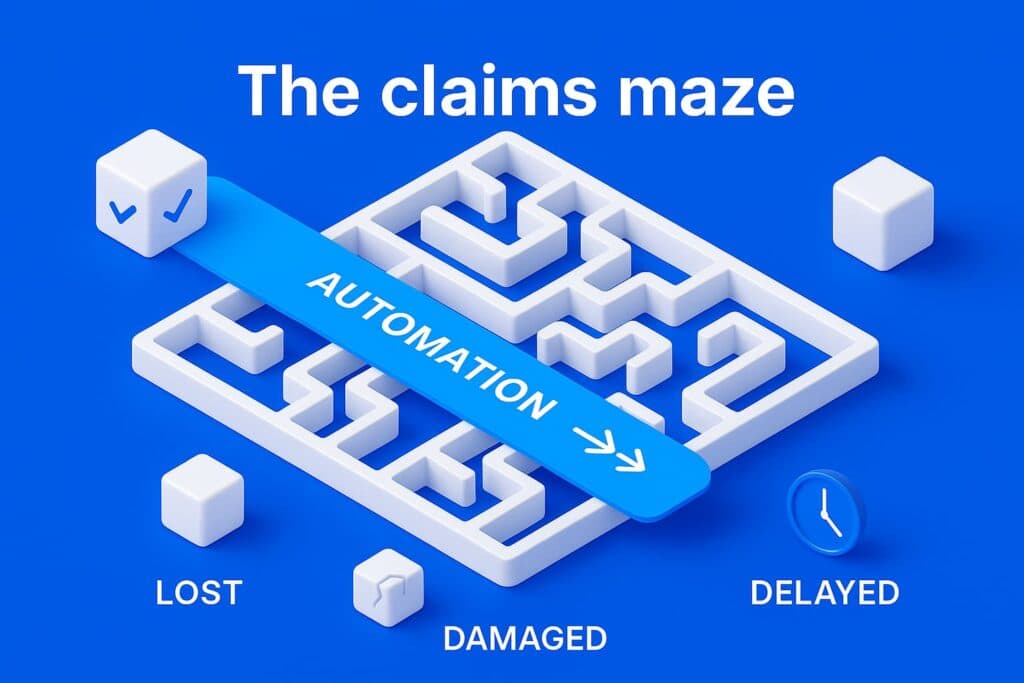
Support Automation turns delivery issues into a manageable workflow
All your claims in one place: DHL, DPD, PostNL, and others — no more switching tools or digging through inboxes
Smarter claim creation: Shipping data is already there — just click to file
Deadline tracking and reminders: Never miss a refund window again
Real-time status updates: Know exactly what’s approved, rejected, pending or when any action is required
Up to 8x faster resolution: Less effort, more recovered revenue
No more scattered emails. No more missed refunds. Just one platform that helps you handle delivery problems before they damage your bottom line.
“By communicating delivery issues proactively, we saw an immediate CSAT and Trustpilot increase.” — Alex Formicola, Rosefield
If DHL is part of your shipping mix, it's time to streamline how you manage problems — before they affect your bottom line. Ready to stop wasting time on manual claims?
* Disclaimer: This playbook summarizes common DHL claim rules as of 2025. Always verify against the current Terms & Conditions and local transport law.


Author and researcher
As Global Content Manager at Sendcloud, Johanna leads content strategy across e-commerce, logistics, and shipping automation. With a background in B2B SaaS and a passion for clear communication, she creates educational resources that help over 30,000 online stores optimize and scale their shipping operations.

Subject matter expert
Anna, who co-founded Lox to tackle last-mile delivery hurdles and help businesses save time and money, was responsible for commercializing the product from the ground up. Following Lox's acquisition by Sendcloud, she's now focused on building out Support Automation, a new solution aimed at making delivery incident management smoother for everyone.
How much time can you save on shipping?

Share
Recommended for you

Shipping
Why multi-carrier shipping is no longer a nice-to-have in European e-commerce
Learn how multi-carrier shipping improves conversion, reliability and operational resilience, backed by expert insights and industry data.

Shipping
Carriers
E-commerce
Lost Parcels, Lost Trust: How Parcel Lockers Could Save Peak Season 2025
New data from Sendcloud reveals that the busiest shopping week of the year also carries the highest delivery risks.

Support Automation
Tracking
E-commerce