PrestaShop UPS integration for global delivery

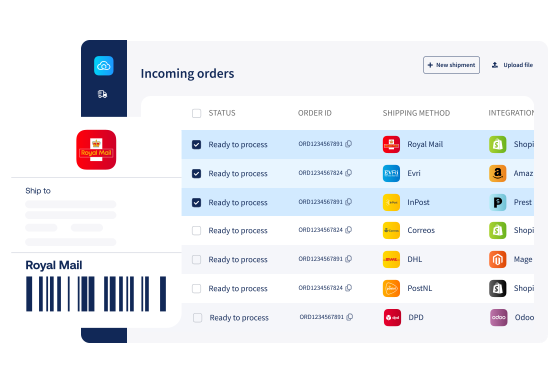
Reach buyers in 220+ countries with UPS, from next-day express to home delivery to local pickup. Add UPS to PrestaShop and Sendcloud handles orders, labels, and tracking from one screen.
4.6 Shopify App Store

4.6

4.6 G2

4.6

4.3 Trustpilot

4.3

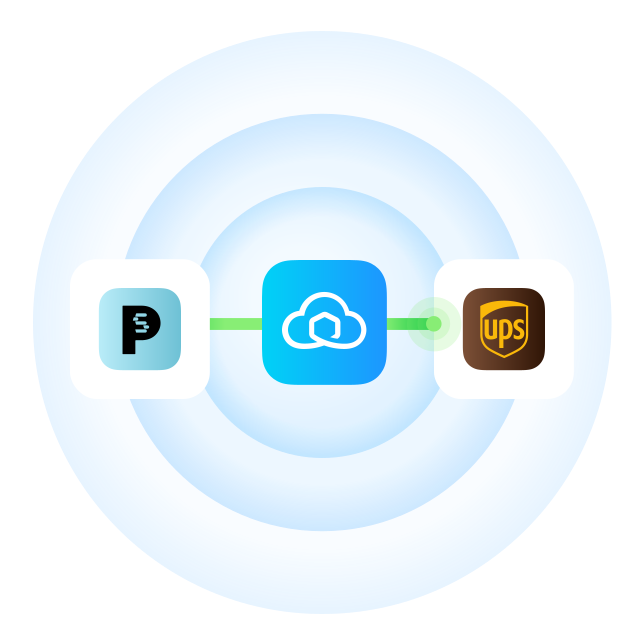
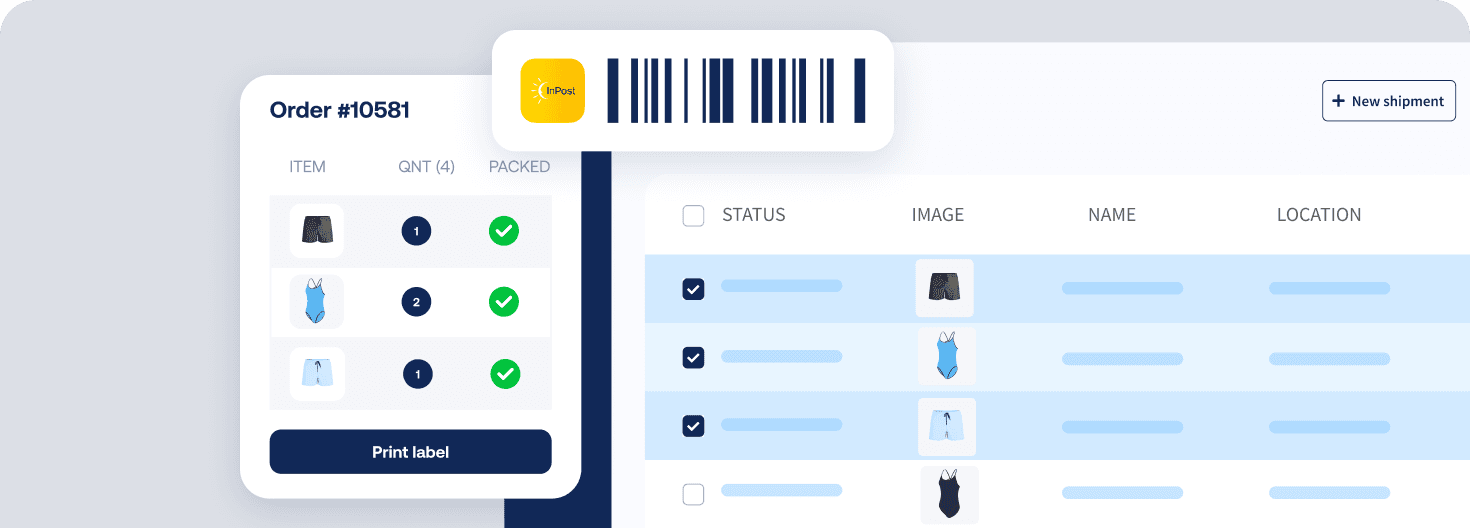
Sendcloud prestashop ups integration graphic

SMART SHIPPING

Why ship with UPS from PrestaShop via Sendcloud?

PrestaShop merchants reach for UPS when cross-border express matters and recipients want a pickup option. Sendcloud connects UPS in a few clicks, picks the right service per parcel, and surfaces Access Point pickup right in your PrestaShop checkout.

Connect PrestaShop to Sendcloud in a few clicks

Ship UPS Standard, Express, and Access Point pickup

Show UPS Access Point pickup at PrestaShop checkout
UPS

shipping methods

Outgoing shipments

Pre-negotiated rates available?

UPS Standard

From £5.74

UPS Express

From £11.24

UPS Express Saver

From £8.04

UPS Express Saver to Access Point

From £6.64

UPS Express Plus

Yes

UPS Express Saver Envelope

Direct contract only

UPS Expedited

Direct contract only

UPS Worldwide Economy

Direct contract only

Returns

Pre-negotiated rates available?

UPS Standard Return

From £5.74

UPS

shipping methods

Outgoing shipments

Pre-negotiated rates available?

UPS Standard

From £5.74

UPS Express

From £11.24

UPS Express Saver

From £8.04

UPS Express Saver to Access Point

From £6.64

UPS Express Plus

Yes

UPS Express Saver Envelope

Direct contract only

UPS Expedited

Direct contract only

UPS Worldwide Economy

Direct contract only

Returns

Pre-negotiated rates available?

UPS Standard Return

From £5.74

UPS

shipping methods

Outgoing shipments

Pre-negotiated rates available?

UPS Standard

From £5.74

UPS Express

From £11.24

UPS Express Saver

From £8.04

UPS Express Saver to Access Point

From £6.64

UPS Express Plus

Yes

UPS Express Saver Envelope

Direct contract only

UPS Expedited

Direct contract only

UPS Worldwide Economy

Direct contract only

Returns

Pre-negotiated rates available?

UPS Standard Return

From £5.74

MULTI-CARRIER STRATEGY

Connect PrestaShop to UPS and 170+ other carriers

Use UPS alongside the rest of your Sendcloud carriers as you grow. Mix express and economy services, build resilience for peaks, and add new lanes without rebuilding your PrestaShop shipping setup.


Sendcloud prestashop ups integration graphic

Get the most out of PrestaShop and UPS with Sendcloud

Open up to 220+ countries

Reach buyers worldwide with UPS, from your PrestaShop checkout.

Pick the right UPS service

Use shipping rules to auto-assign UPS Standard, Express, or Saver per order.
Offer Access Point pickup

Show UPS Access Point locations at checkout so shoppers collect when it suits them.

Track every UPS parcel

UPS status events flow into Sendcloud so support sees changes the moment they happen.

WHAT OUR CUSTOMERS SAY

From hours to seconds

“Before Sendcloud, we used to waste hours each week manually typing in orders. Now, we can match up the order sheet with the labels in seconds.”

+50%

faster order processing

-90%

reduction in shipping errors

Connect all your shop systems and manage all your shipping in one place
FAQ

Can I show UPS Access Point pickup at PrestaShop checkout?

Yes. Turn on the Sendcloud service point picker in PrestaShop and UPS Access Point locations appear at checkout. Shoppers pick a nearby point, the address flows into the order, and Sendcloud picks the right UPS service when you print the label.

See Service points for PrestaShop V2 for setup.

Do I need my own UPS contract for the PrestaShop UPS integration?

Not necessarily. You can ship on Sendcloud UPS rates after accepting UPS Terms and Conditions in your Sendcloud account. UPS methods then appear in PrestaShop and you can start shipping right away.

See UPS Shipping Rates Activation for the flow. If you have your own contract, connect it instead to keep your negotiated rates.

Will UPS tracking sync back to my PrestaShop orders?

Yes. Sendcloud syncs UPS tracking numbers and status updates back to PrestaShop, so customers and your team see the same delivery state from one place.

See the PrestaShop V2 functionalities overview for everything that syncs.

Are there weight limits for UPS shipments from PrestaShop?

UPS supports parcels up to 70kg with defined dimension limits. For international orders, Sendcloud auto-generates the commercial invoice and customs data from your PrestaShop product information so you can ship cross-border without manual paperwork.

See UPS shipping conditions for the full specification.

How quickly can I start shipping UPS from PrestaShop?

Most PrestaShop stores ship the first UPS parcel the same day. Install the Sendcloud PrestaShop module, connect your store, activate UPS rates or your own contract, and start printing labels.

See Connect PrestaShop V2 to Sendcloud for the setup.

FAQ

Can I show UPS Access Point pickup at PrestaShop checkout?

Yes. Turn on the Sendcloud service point picker in PrestaShop and UPS Access Point locations appear at checkout. Shoppers pick a nearby point, the address flows into the order, and Sendcloud picks the right UPS service when you print the label.

See Service points for PrestaShop V2 for setup.

Do I need my own UPS contract for the PrestaShop UPS integration?

Not necessarily. You can ship on Sendcloud UPS rates after accepting UPS Terms and Conditions in your Sendcloud account. UPS methods then appear in PrestaShop and you can start shipping right away.

See UPS Shipping Rates Activation for the flow. If you have your own contract, connect it instead to keep your negotiated rates.

Will UPS tracking sync back to my PrestaShop orders?

Yes. Sendcloud syncs UPS tracking numbers and status updates back to PrestaShop, so customers and your team see the same delivery state from one place.

See the PrestaShop V2 functionalities overview for everything that syncs.

Are there weight limits for UPS shipments from PrestaShop?

UPS supports parcels up to 70kg with defined dimension limits. For international orders, Sendcloud auto-generates the commercial invoice and customs data from your PrestaShop product information so you can ship cross-border without manual paperwork.

See UPS shipping conditions for the full specification.

How quickly can I start shipping UPS from PrestaShop?

Most PrestaShop stores ship the first UPS parcel the same day. Install the Sendcloud PrestaShop module, connect your store, activate UPS rates or your own contract, and start printing labels.

See Connect PrestaShop V2 to Sendcloud for the setup.

FAQ

Can I show UPS Access Point pickup at PrestaShop checkout?

Yes. Turn on the Sendcloud service point picker in PrestaShop and UPS Access Point locations appear at checkout. Shoppers pick a nearby point, the address flows into the order, and Sendcloud picks the right UPS service when you print the label.

See Service points for PrestaShop V2 for setup.

Do I need my own UPS contract for the PrestaShop UPS integration?

Not necessarily. You can ship on Sendcloud UPS rates after accepting UPS Terms and Conditions in your Sendcloud account. UPS methods then appear in PrestaShop and you can start shipping right away.

See UPS Shipping Rates Activation for the flow. If you have your own contract, connect it instead to keep your negotiated rates.

Will UPS tracking sync back to my PrestaShop orders?

Yes. Sendcloud syncs UPS tracking numbers and status updates back to PrestaShop, so customers and your team see the same delivery state from one place.

See the PrestaShop V2 functionalities overview for everything that syncs.

Are there weight limits for UPS shipments from PrestaShop?

UPS supports parcels up to 70kg with defined dimension limits. For international orders, Sendcloud auto-generates the commercial invoice and customs data from your PrestaShop product information so you can ship cross-border without manual paperwork.

See UPS shipping conditions for the full specification.

How quickly can I start shipping UPS from PrestaShop?

Most PrestaShop stores ship the first UPS parcel the same day. Install the Sendcloud PrestaShop module, connect your store, activate UPS rates or your own contract, and start printing labels.

See Connect PrestaShop V2 to Sendcloud for the setup.

Add UPS to your PrestaShop shipping

Install the Sendcloud PrestaShop module and ship your first UPS parcel today.

Add UPS to your PrestaShop shipping

Install the Sendcloud PrestaShop module and ship your first UPS parcel today.

Add UPS to your PrestaShop shipping

Install the Sendcloud PrestaShop module and ship your first UPS parcel today.