Oracle NetSuite shipping integration for faster fulfilment

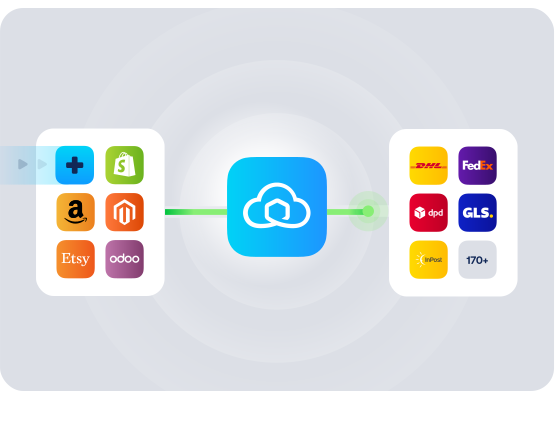
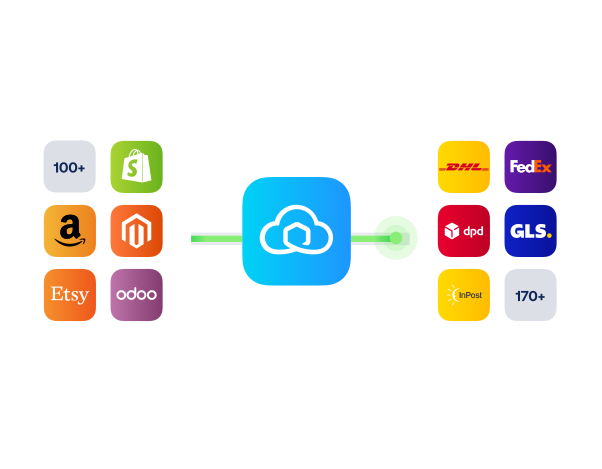
Connect your Oracle NetSuite WMS to Sendcloud to centralise orders, batch-print labels, and keep customers informed so you can ship faster with fewer steps.

100+ integrations available

Discounted shipping rates

Cancel anytime

4.6 Shopify App Store

4.6 G2

4.3 Trustpilot

Why Oracle NetSuite merchants choose Sendcloud

Smart shipping with Oracle NetSuite

As Netsuite-driven operations scale, manual shipping tasks slow fulfilment and fragment data. Connect your WMS to Sendcloud to process orders, print labels in bulk, sync tracking, and generate customs docs from item HS codes. Ship faster across the UK and Europe.

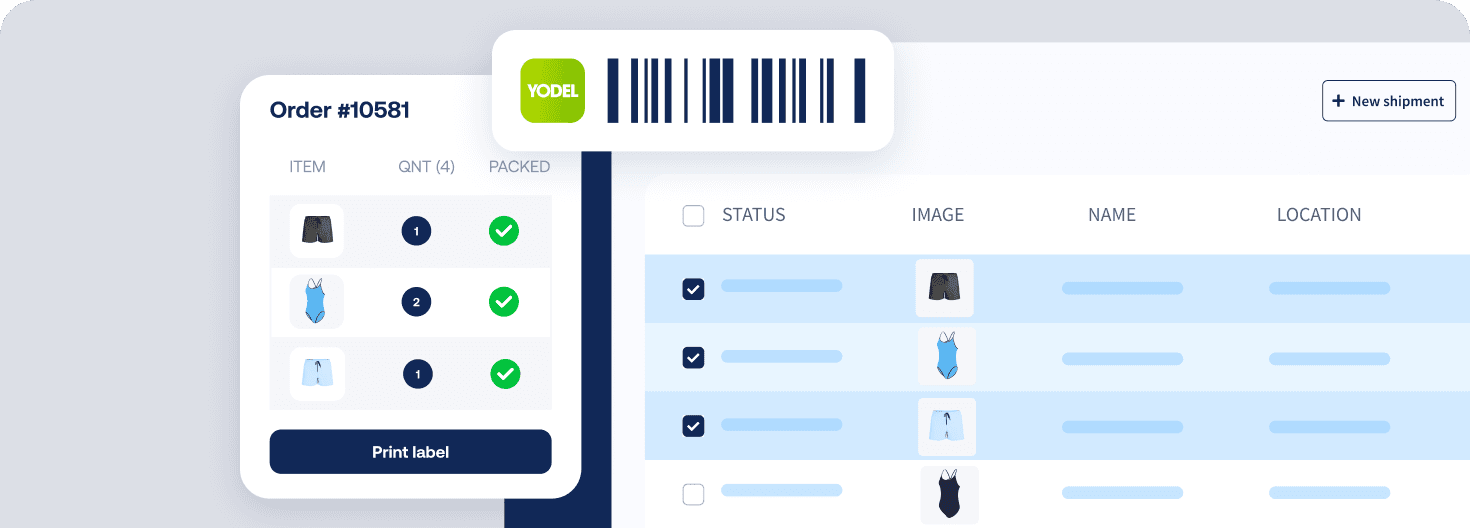
Bulk label creation from Oracle Netsuite orders

Auto-build customs paperwork using HS codes

Sync parcel tracking and returns data to Netsuite

HOW TO CONNECT

A simple 3-step flow:

Run your shipping operations from one place.
Connect your platforms and systems
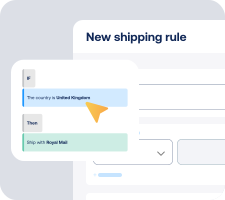
Choose couriers and automate shipping rules

Manage shipping, tracking, and returns in one platform

Get the most out of Oracle NetSuite with Sendcloud

Grow your business

Scale manufacturing fulfilment in NetSuite without extra hires.

Ship more efficiently

Cut handling time by moving orders to labels in one flow.

Deliver great experiences

Delight customers with proactive parcel updates and easy returns.

Resolve shipping issues faster

Resolve shipping questions faster with real time order status data.

WHAT OUR CUSTOMERS SAY

From hours to seconds

“Before Sendcloud, we used to waste hours each week manually typing in orders. Now, we can match up the order sheet with the labels in seconds.”

50%

faster order processing

90%

reduction in shipping errors

MULTI-CARRIER STRATEGY

Oracle NetSuite shipping with the couriers your customers expect

Offer delivery choice with multiple couriers. Mix services for speed, cost, or reliability, and switch as needs change so every NetSuite order ships, tracks, and returns through the best route.


What features are supported with Sendcloud's Oracle NetSuite integration?

When you connect your Oracle NetSuite WMS to Sendcloud, you centralise shipping so you can manage, process, and ship orders from one platform.

  • Print shipping labels in bulk to speed up fulfilment

  • Sync item data from NetSuite WMS for accurate shipments

  • Retrieve and sync tracking numbers back to NetSuite

  • Sync returns data to keep post-purchase updates aligned

  • Generate customs documents using HS codes stored on your items for international shipments

Note: The ERP, accounting, and CRM modules from Oracle NetSuite are not supported with this app.

How long does setup take and what do I need?

Most UK teams connect the Oracle NetSuite shipping integration in a short session, without custom development. You will need access to your Oracle NetSuite WMS account and a Sendcloud account.

  • Log in to Sendcloud and add the Oracle NetSuite integration

  • Authorise the connection to your NetSuite WMS

  • Confirm your import preferences for items, HS codes, and tracking sync

  • Start processing orders and printing labels in bulk

Follow the step-by-step guide in How to connect NetSuite with Sendcloud, or go straight to connect Oracle NetSuite in Sendcloud.

Will this work with my Oracle NetSuite setup?

Yes, if you use the Oracle NetSuite WMS module. This Oracle NetSuite integration focuses on warehouse and shipping workflows.

  • Supported: Oracle NetSuite WMS module

  • Not supported: ERP, accounting, and CRM modules

  • Availability: UK, NL, BE, FR, ES, IT, DE, AT

  • Languages: English, Dutch, German, Spanish, French, Italian

  • Minimum Sendcloud plan: Free

Can I print labels in bulk and keep tracking and returns in NetSuite?

Yes. The integration is designed for high-throughput shipping as well as day-to-day order handling.

  • Bulk label printing: process orders and print shipping labels in batches

  • Tracking sync: tracking numbers are sent back to Oracle NetSuite so your team has status visibility

  • Returns sync: returns data is synced to keep your post-purchase operations aligned

How are customs documents created for international orders?

Customs paperwork is generated using product data you already store in Oracle NetSuite.

  • HS codes import: pull HS codes from your NetSuite items into Sendcloud

  • Automated documents: use those details to create the required customs documents for international shipments

  • Fewer manual steps: reduce data re-entry and help prevent errors at export

What does it cost to start and is there any commitment?

You can connect Oracle NetSuite on the Free Sendcloud plan. There is no separate app plan required for this integration.

  • Start on Free: validate the integration without upfront cost

  • Scale as needed: upgrade your Sendcloud plan when your shipping volume grows

What features are supported with Sendcloud's Oracle NetSuite integration?

When you connect your Oracle NetSuite WMS to Sendcloud, you centralise shipping so you can manage, process, and ship orders from one platform.

  • Print shipping labels in bulk to speed up fulfilment

  • Sync item data from NetSuite WMS for accurate shipments

  • Retrieve and sync tracking numbers back to NetSuite

  • Sync returns data to keep post-purchase updates aligned

  • Generate customs documents using HS codes stored on your items for international shipments

Note: The ERP, accounting, and CRM modules from Oracle NetSuite are not supported with this app.

How long does setup take and what do I need?

Most UK teams connect the Oracle NetSuite shipping integration in a short session, without custom development. You will need access to your Oracle NetSuite WMS account and a Sendcloud account.

  • Log in to Sendcloud and add the Oracle NetSuite integration

  • Authorise the connection to your NetSuite WMS

  • Confirm your import preferences for items, HS codes, and tracking sync

  • Start processing orders and printing labels in bulk

Follow the step-by-step guide in How to connect NetSuite with Sendcloud, or go straight to connect Oracle NetSuite in Sendcloud.

Will this work with my Oracle NetSuite setup?

Yes, if you use the Oracle NetSuite WMS module. This Oracle NetSuite integration focuses on warehouse and shipping workflows.

  • Supported: Oracle NetSuite WMS module

  • Not supported: ERP, accounting, and CRM modules

  • Availability: UK, NL, BE, FR, ES, IT, DE, AT

  • Languages: English, Dutch, German, Spanish, French, Italian

  • Minimum Sendcloud plan: Free

Can I print labels in bulk and keep tracking and returns in NetSuite?

Yes. The integration is designed for high-throughput shipping as well as day-to-day order handling.

  • Bulk label printing: process orders and print shipping labels in batches

  • Tracking sync: tracking numbers are sent back to Oracle NetSuite so your team has status visibility

  • Returns sync: returns data is synced to keep your post-purchase operations aligned

How are customs documents created for international orders?

Customs paperwork is generated using product data you already store in Oracle NetSuite.

  • HS codes import: pull HS codes from your NetSuite items into Sendcloud

  • Automated documents: use those details to create the required customs documents for international shipments

  • Fewer manual steps: reduce data re-entry and help prevent errors at export

What does it cost to start and is there any commitment?

You can connect Oracle NetSuite on the Free Sendcloud plan. There is no separate app plan required for this integration.

  • Start on Free: validate the integration without upfront cost

  • Scale as needed: upgrade your Sendcloud plan when your shipping volume grows

What features are supported with Sendcloud's Oracle NetSuite integration?

When you connect your Oracle NetSuite WMS to Sendcloud, you centralise shipping so you can manage, process, and ship orders from one platform.

  • Print shipping labels in bulk to speed up fulfilment

  • Sync item data from NetSuite WMS for accurate shipments

  • Retrieve and sync tracking numbers back to NetSuite

  • Sync returns data to keep post-purchase updates aligned

  • Generate customs documents using HS codes stored on your items for international shipments

Note: The ERP, accounting, and CRM modules from Oracle NetSuite are not supported with this app.

How long does setup take and what do I need?

Most UK teams connect the Oracle NetSuite shipping integration in a short session, without custom development. You will need access to your Oracle NetSuite WMS account and a Sendcloud account.

  • Log in to Sendcloud and add the Oracle NetSuite integration

  • Authorise the connection to your NetSuite WMS

  • Confirm your import preferences for items, HS codes, and tracking sync

  • Start processing orders and printing labels in bulk

Follow the step-by-step guide in How to connect NetSuite with Sendcloud, or go straight to connect Oracle NetSuite in Sendcloud.

Will this work with my Oracle NetSuite setup?

Yes, if you use the Oracle NetSuite WMS module. This Oracle NetSuite integration focuses on warehouse and shipping workflows.

  • Supported: Oracle NetSuite WMS module

  • Not supported: ERP, accounting, and CRM modules

  • Availability: UK, NL, BE, FR, ES, IT, DE, AT

  • Languages: English, Dutch, German, Spanish, French, Italian

  • Minimum Sendcloud plan: Free

Can I print labels in bulk and keep tracking and returns in NetSuite?

Yes. The integration is designed for high-throughput shipping as well as day-to-day order handling.

  • Bulk label printing: process orders and print shipping labels in batches

  • Tracking sync: tracking numbers are sent back to Oracle NetSuite so your team has status visibility

  • Returns sync: returns data is synced to keep your post-purchase operations aligned

How are customs documents created for international orders?

Customs paperwork is generated using product data you already store in Oracle NetSuite.

  • HS codes import: pull HS codes from your NetSuite items into Sendcloud

  • Automated documents: use those details to create the required customs documents for international shipments

  • Fewer manual steps: reduce data re-entry and help prevent errors at export

What does it cost to start and is there any commitment?

You can connect Oracle NetSuite on the Free Sendcloud plan. There is no separate app plan required for this integration.

  • Start on Free: validate the integration without upfront cost

  • Scale as needed: upgrade your Sendcloud plan when your shipping volume grows

Speed up fulfilment with Sendcloud's Oracle NetSuite integration

100+ integrations available

Discounted shipping rates

Cancel anytime

Speed up fulfilment with Sendcloud's Oracle NetSuite integration

100+ integrations available

Discounted shipping rates

Cancel anytime

Speed up fulfilment with Sendcloud's Oracle NetSuite integration

100+ integrations available

Discounted shipping rates

Cancel anytime