Dynamic Checkout API
Less effort. More control. Higher conversion.
Import orders with the right shipping method already in place and offer a new level of flexibility in your checkout.

Nominated day

Same day

Standard

Service points
Nominated day
Your customers can choose the exact date they want to receive their orders.
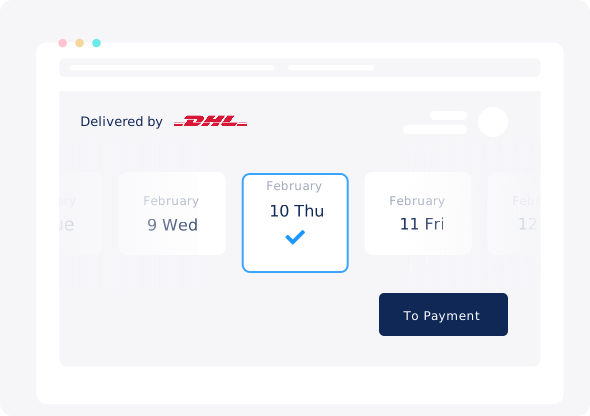
Nominated day
Same day
Standard
Service points
Nominated day
Your customers can choose the exact date they want to receive their orders.
Nominated day
Same day
Standard
Service points
Nominated day
Your customers can choose the exact date they want to receive their orders.
How does the Dynamic Checkout work?


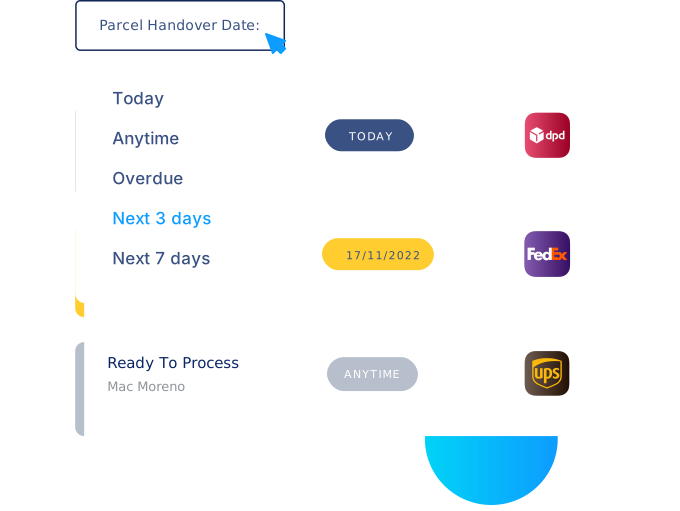
Same Day & Nominated Day
Streamlined workflow
Know when an order needs to be shipped and focus on high priority parcels first.
Same Day & Nominated Day
Holiday support
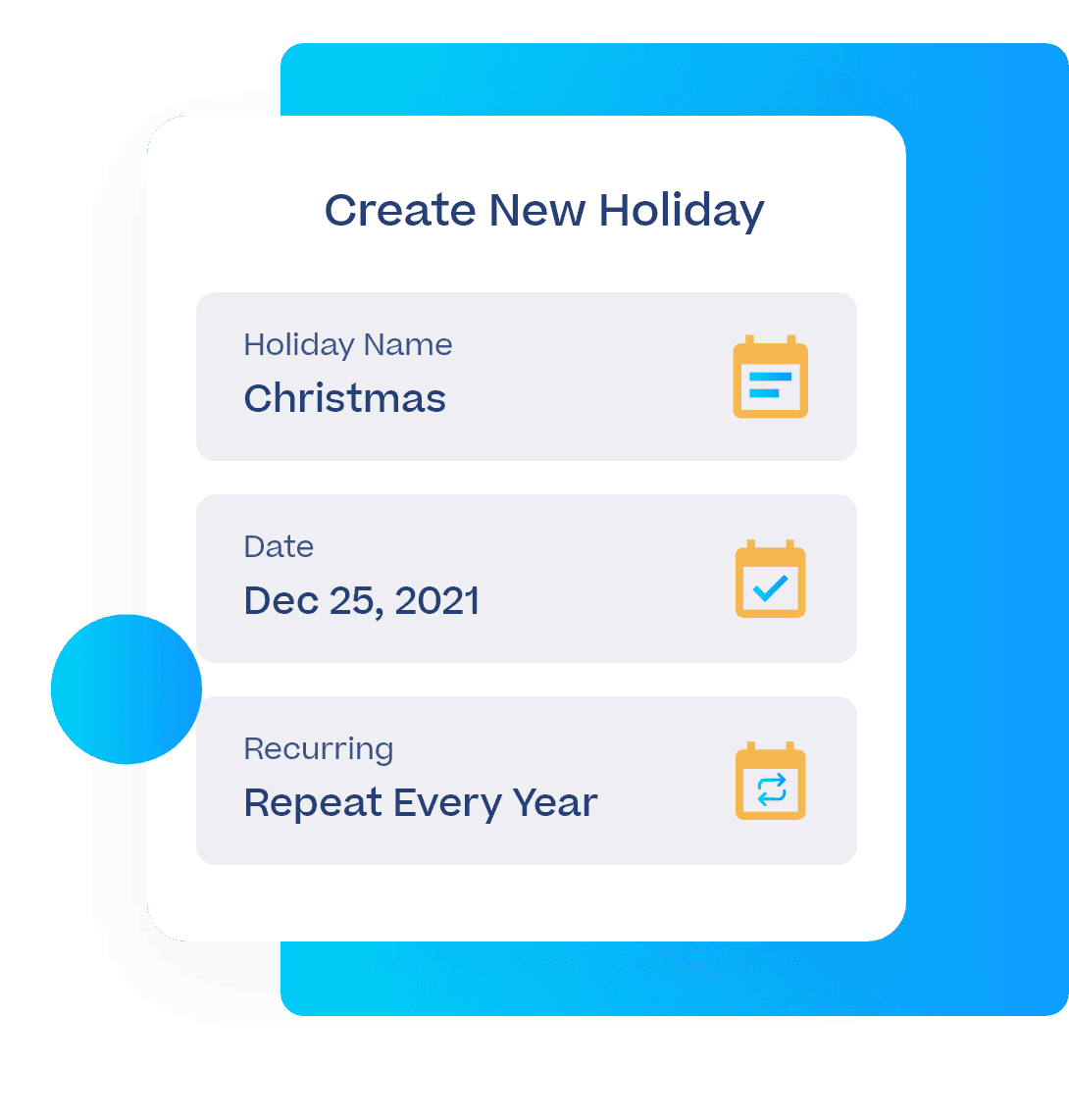
Enter which days you’re on holiday, and it’ll be factored into your delivery options.

Recurring holidays
Single days off
Free delivery
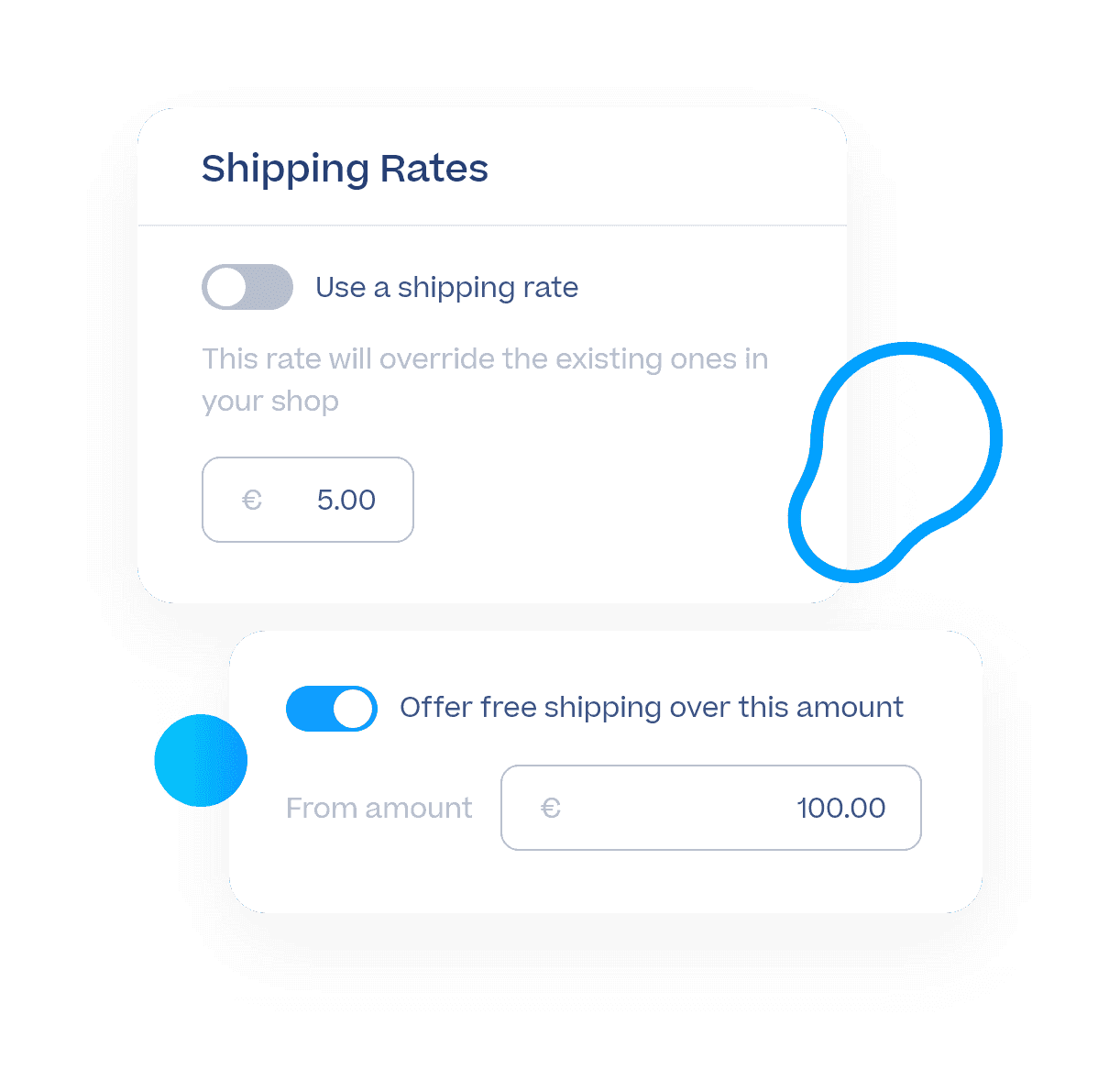
Offer free shipping if an order’s value goes above a certain amount.
Before

Add shipping methods to each order manually or with shipping rules
Service points map displayed as a pop-up
All shipping methods are available all the time—whether you’re there or not
All orders have the exact same priority level
After
Import orders with the right shipping methods already in place, automatically
Service points map is CSS-customisable and embedded directly on your checkout page
Set your own schedule so that same-day and next-day delivery can only be selected when you're there to fulfil the orders
Prioritise your work in just a few clicks, so you can fulfil the most urgent orders first
Your customers can choose the date they want to receive their orders
Before
Add shipping methods to each order manually or with shipping rules
Service points map displayed as a pop-up
All shipping methods are available all the time—whether you’re there or not
All orders have the exact same priority level
After
Import orders with the right shipping methods already in place, automatically
Service points map is CSS-customisable and embedded directly on your checkout page
Set your own schedule so that same-day and next-day delivery can only be selected when you're there to fulfil the orders
Prioritise your work in just a few clicks, so you can fulfil the most urgent orders first
Your customers can choose the date they want to receive their orders
Before
Add shipping methods to each order manually or with shipping rules
Service points map displayed as a pop-up
All shipping methods are available all the time—whether you’re there or not
All orders have the exact same priority level
After
Import orders with the right shipping methods already in place, automatically
Service points map is CSS-customisable and embedded directly on your checkout page
Set your own schedule so that same-day and next-day delivery can only be selected when you're there to fulfil the orders
Prioritise your work in just a few clicks, so you can fulfil the most urgent orders first
Your customers can choose the date they want to receive their orders
Product
Solutions
Integrations
© 2026 Sendcloud. All rights reserved
Chamber of Commerce: 66572959
VAT number: NL856613897B01
Product
Integrations
Solutions
Resources
© 2026 Sendcloud. All rights reserved
Chamber of Commerce: 66572959
VAT number: NL856613897B01
Product
© 2026 Sendcloud. All rights reserved
Chamber of Commerce: 66572959
VAT number: NL856613897B01