Easily create and print UPS shipping labels with Sendcloud

Quickly generate and print your UPS shipping labels with Sendcloud. Whether you’re shipping locally or internationally, our complete multi-carrier platform integrates seamlessly with UPS and your e-commerce system. Save time, reduce errors, and optimize your shipping process today.
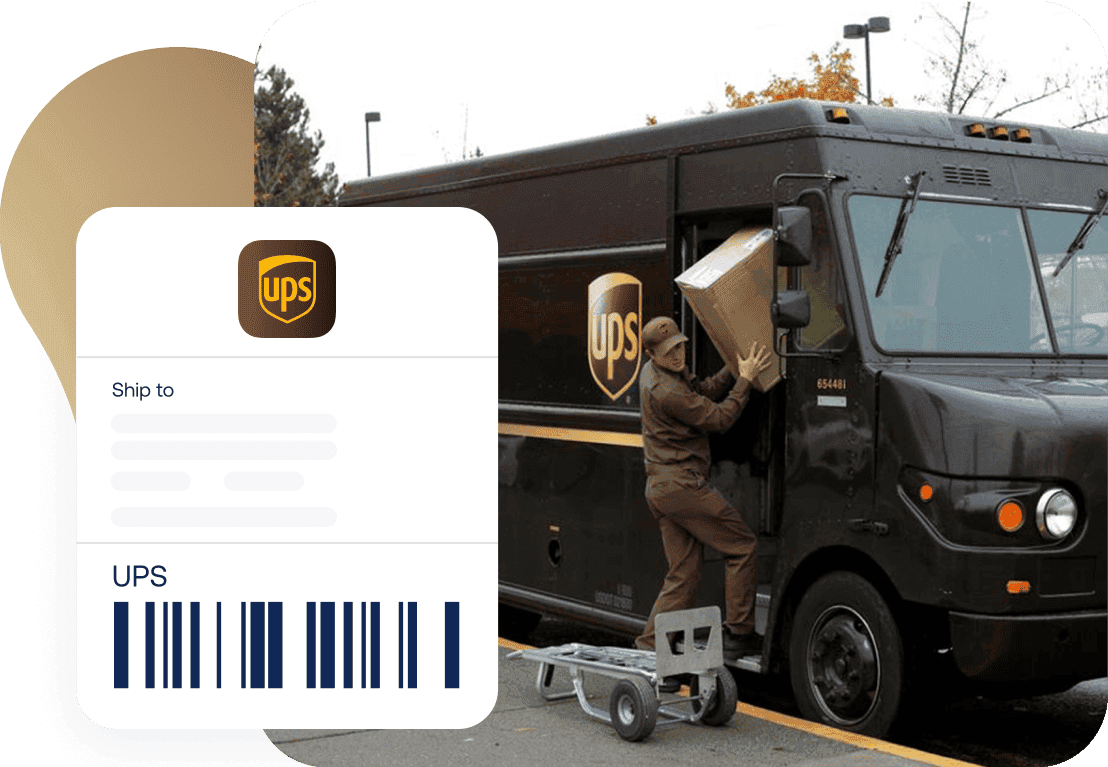
“Tramite Sendcloud, abbiamo impostato delle regole che stampano automaticamente l’etichetta di spedizione corretta in base al peso, alle dimensioni e al codice postale.”

Fitwinkel

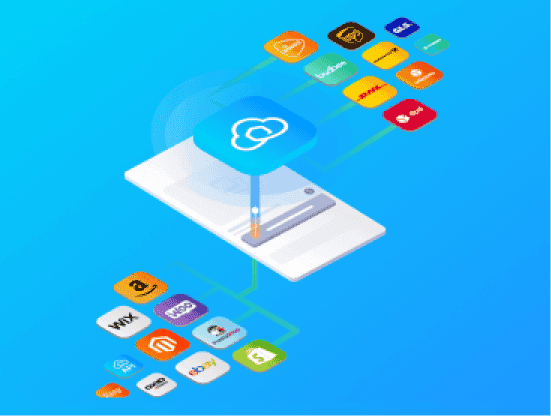
Easily connect your store with UPS

Integrate your store and your orders will be imported automatically, ready for you to create UPS shipping labels. You can connect multiple stores to the same account and manage all your parcels from a single platform.
Spedisci con le nostre tariffe pre-negoziate o usa le tue

Discover the best shipping rates negotiated by us and benefit from a variety of shipping methods, including both standard and express options, to meet all your delivery needs.

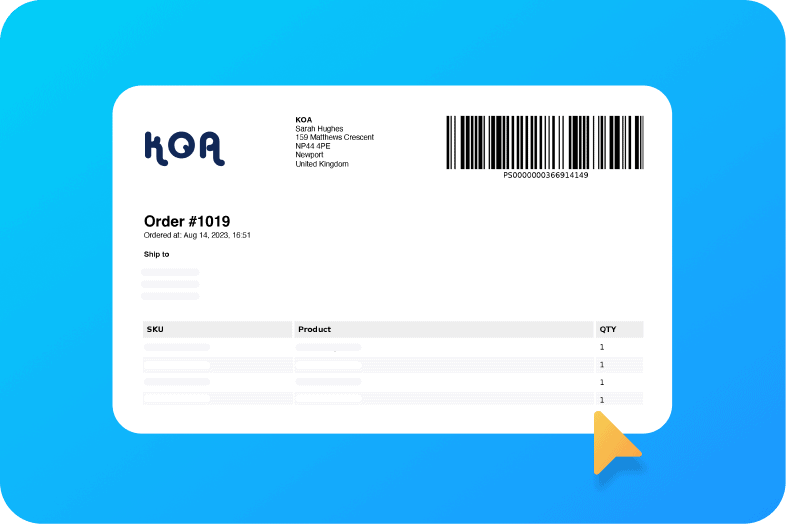
Personalizza le tue etichette di spedizione

Rendi uniche le tue spedizioni con etichette personalizzate. Aggiungi il logo del tuo brand per rafforzare la tua identità aziendale e migliorare l’esperienza del cliente.
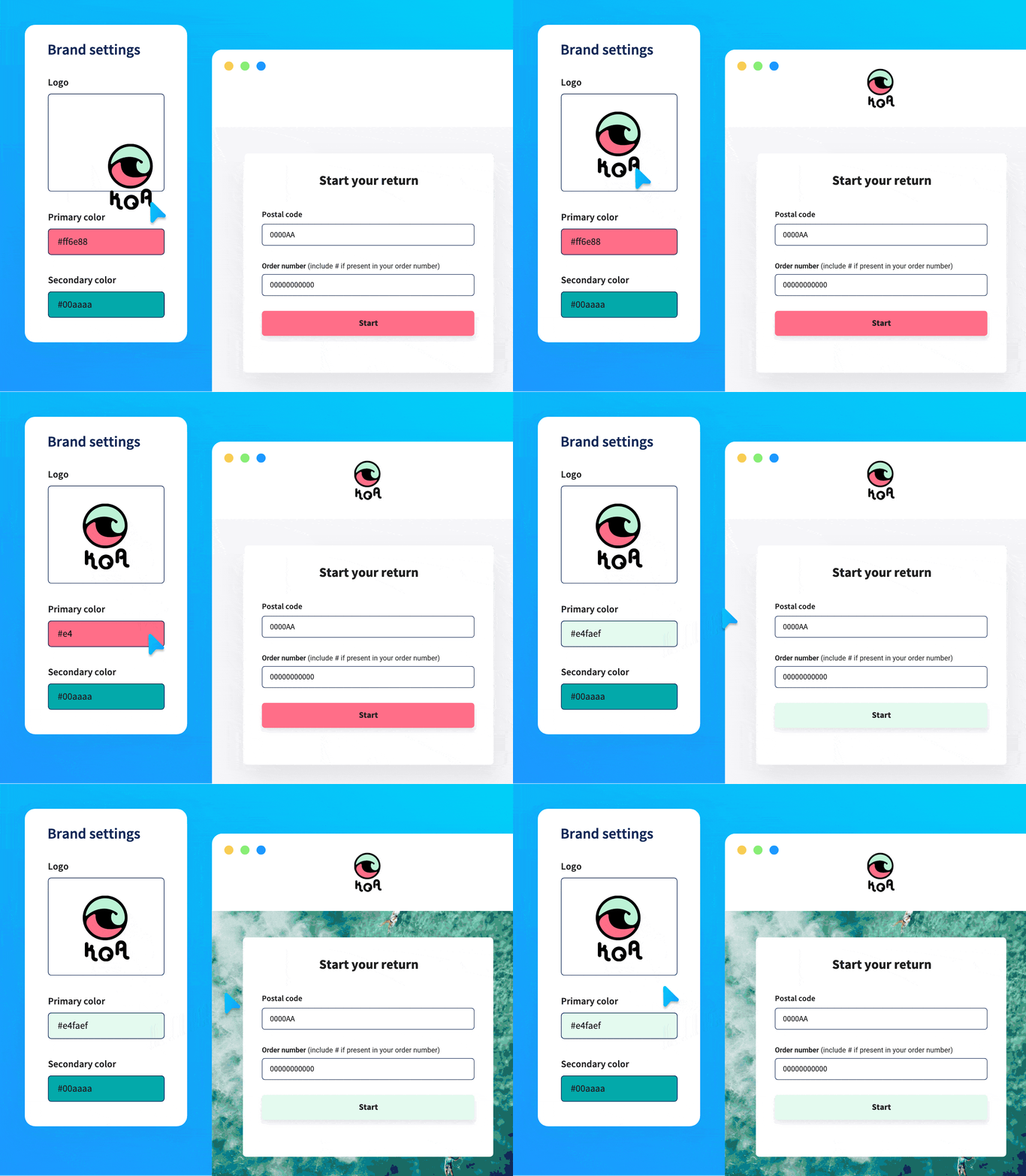
Automatizza i resi con il nostro portale dedicato

Grazie al portale dei resi brandizzato e personalizzabile nella loro lingua, possono generare etichette di reso in autonomia.
Soluzione di spedizione all-in-one

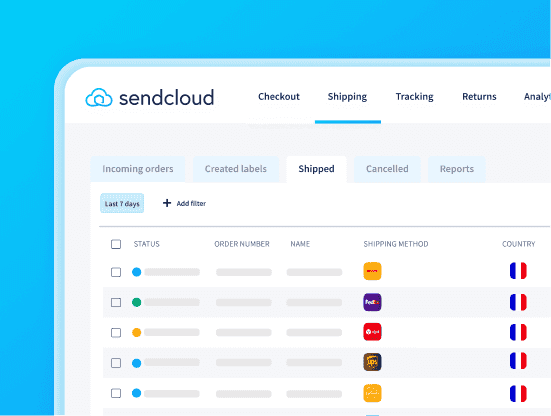
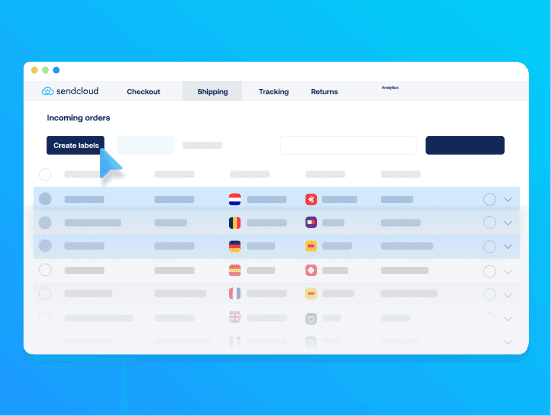
Manage your entire shipping process, from label creation to tracking, on one platform. Save time and money without switching tools.

Automatizza la creazione delle etichette

Semplifica il tuo flusso di lavoro automatizzando la creazione delle etichette di spedizione per ciascun ordine. Riduci le operazioni manuali, risparmia tempo e ottieni la massima precisione con pochi clic.

Monitora tutti i pacchi in un unico posto

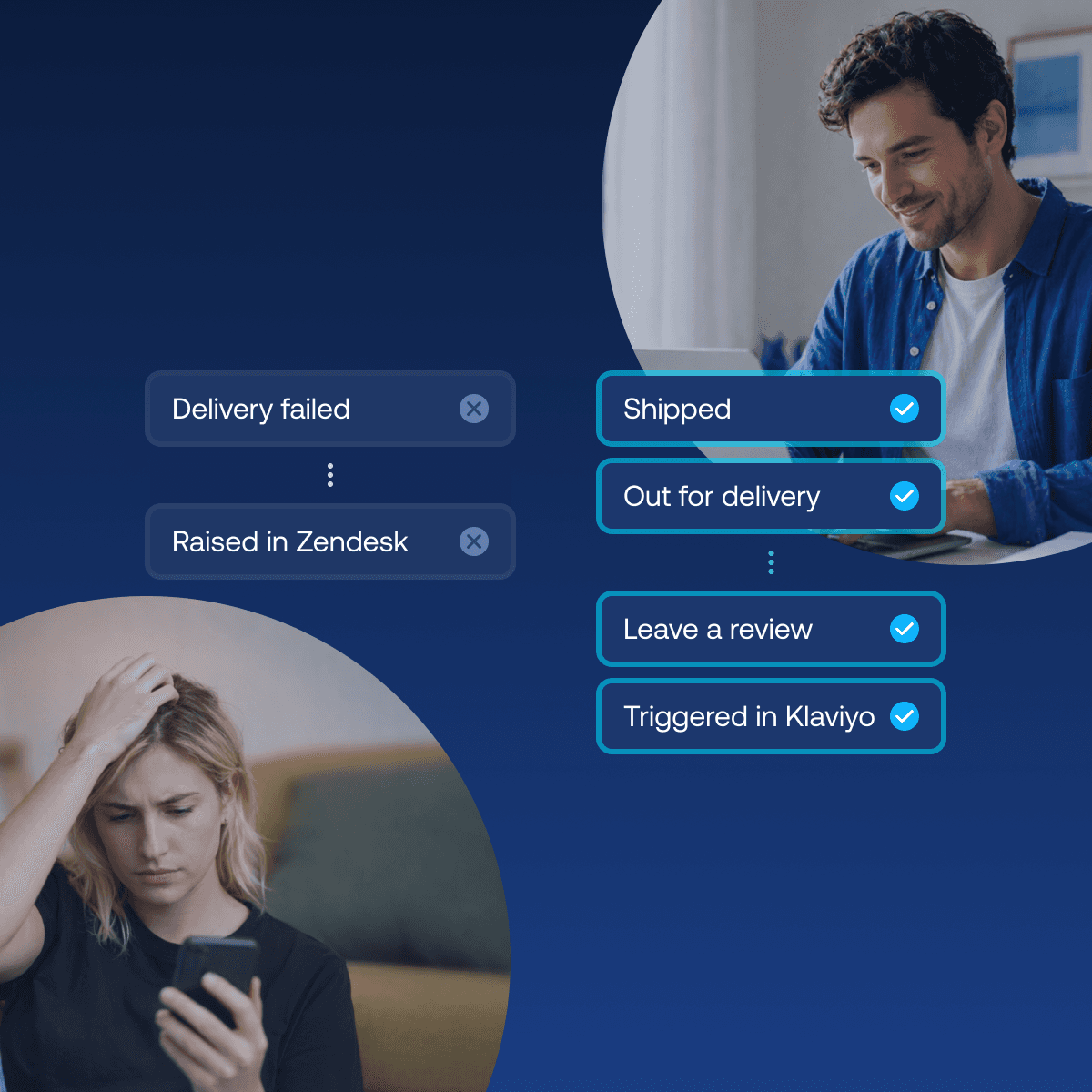
Our parcel tracking tool offers a comprehensive view of every package you’ve sent. Stay ahead with updates to cut down on WISMO inquiries.

Soluzione di spedizione all-in-one

Manage your entire shipping process, from label creation to tracking, on one platform. Save time and money without switching tools.

Automatizza la creazione delle etichette

Semplifica il tuo flusso di lavoro automatizzando la creazione delle etichette di spedizione per ciascun ordine. Riduci le operazioni manuali, risparmia tempo e ottieni la massima precisione con pochi clic.

Monitora tutti i pacchi in un unico posto

Our parcel tracking tool offers a comprehensive view of every package you’ve sent. Stay ahead with updates to cut down on WISMO inquiries.

Soluzione di spedizione all-in-one

Manage your entire shipping process, from label creation to tracking, on one platform. Save time and money without switching tools.

Automatizza la creazione delle etichette

Semplifica il tuo flusso di lavoro automatizzando la creazione delle etichette di spedizione per ciascun ordine. Riduci le operazioni manuali, risparmia tempo e ottieni la massima precisione con pochi clic.

Monitora tutti i pacchi in un unico posto

Our parcel tracking tool offers a comprehensive view of every package you’ve sent. Stay ahead with updates to cut down on WISMO inquiries.

Che cosa dicono i nostri client

I clienti sono al centro di ogni attività svolta da Sendcloud. Le loro opinioni ci spingono a migliorarci, adattarci e offrire flessibilità per soddifare le necessità del mercato in continua evoluzione.

Domande frequenti

How do I create UPS shipping labels in Sendcloud?

To create UPS shipping labels in Sendcloud, first connect your webshop integration, and your orders will automatically be imported into the Incoming Orders overview.

In the order edit view, you can add insurance or adjust details such as weight and shipping methods. Some UPS shipping options available via Sendcloud include UPS Standard, UPS Express, UPS Express Saver, and UPS Standard to Access Point. For non-EU shipments and shipments from the UK to the EU, you’ll need to provide product information (description, value, origin, and HS code) for customs documentation.

Once your orders are ready, click Create label. If your printer is configured, the labels will print automatically; otherwise, they’ll be downloaded as a PDF.

How long is a UPS shipping label valid before it expires?

The validity of a UPS shipping label created via Sendcloud depends on the selected shipping method:

  • UPS Standard labels are valid for 30 days after creation.

  • UPS Express labels are valid for 48 hours after creation.

Can I use clear tape to secure my UPS shipping label?

Yes, you can use clear tape to secure your UPS shipping label. Tape the label onto a flat surface of the item being shipped and cover it with clear tape. Avoid using “flying tags” attached by string or metal. Blunt any sharp or protruding edges with taped-on, corrugated cardboard pieces. Protect the item’s surface as needed. Please note that an Additional Handling charge may apply if this is not followed.

For more tips and tricks on choosing the best packaging for your products, check out the following Help Center article.

Is it possible to ship multiple packages with the same UPS label?

It is not possible to use a shipping label for more than one parcel. In most cases, UPS will detect a duplicated label and return the last scanned parcel to the sender. If a duplicated label somehow enters the sorting system, the parcel cannot be tracked because the tracking number is already associated with the first parcel. Therefore, it is highly recommended to create a new label for each parcel you ship.

Can I always cancel my UPS shipping label?

UPS labels can be canceled depending on the destination and the UPS contract. For domestic UPS shipments, labels can be canceled within 42 days. If you cancel a label on the same day it was created (before 23:59), you won’t be charged, and the cost will be adjusted on your next invoice. If you do not cancel the shipment within those 42 days, the cost will no longer be credited. Additionally, if a canceled label is later scanned by a carrier, a charge of €1 will appear on your invoice under “Reversed cancellation”.

For international shipments, cancellation may differ. When creating a UPS label for shipments outside the EU, Sendcloud automatically sends the commercial invoice to UPS via paperless trade. UPS forwards this invoice to customs and activates the shipment’s tracking. As a result, these labels cannot be canceled. We strongly recommend reviewing all details carefully before creating UPS labels for international shipments.

Domande frequenti

How do I create UPS shipping labels in Sendcloud?

To create UPS shipping labels in Sendcloud, first connect your webshop integration, and your orders will automatically be imported into the Incoming Orders overview.

In the order edit view, you can add insurance or adjust details such as weight and shipping methods. Some UPS shipping options available via Sendcloud include UPS Standard, UPS Express, UPS Express Saver, and UPS Standard to Access Point. For non-EU shipments and shipments from the UK to the EU, you’ll need to provide product information (description, value, origin, and HS code) for customs documentation.

Once your orders are ready, click Create label. If your printer is configured, the labels will print automatically; otherwise, they’ll be downloaded as a PDF.

How long is a UPS shipping label valid before it expires?

The validity of a UPS shipping label created via Sendcloud depends on the selected shipping method:

  • UPS Standard labels are valid for 30 days after creation.

  • UPS Express labels are valid for 48 hours after creation.

Can I use clear tape to secure my UPS shipping label?

Yes, you can use clear tape to secure your UPS shipping label. Tape the label onto a flat surface of the item being shipped and cover it with clear tape. Avoid using “flying tags” attached by string or metal. Blunt any sharp or protruding edges with taped-on, corrugated cardboard pieces. Protect the item’s surface as needed. Please note that an Additional Handling charge may apply if this is not followed.

For more tips and tricks on choosing the best packaging for your products, check out the following Help Center article.

Is it possible to ship multiple packages with the same UPS label?

It is not possible to use a shipping label for more than one parcel. In most cases, UPS will detect a duplicated label and return the last scanned parcel to the sender. If a duplicated label somehow enters the sorting system, the parcel cannot be tracked because the tracking number is already associated with the first parcel. Therefore, it is highly recommended to create a new label for each parcel you ship.

Can I always cancel my UPS shipping label?

UPS labels can be canceled depending on the destination and the UPS contract. For domestic UPS shipments, labels can be canceled within 42 days. If you cancel a label on the same day it was created (before 23:59), you won’t be charged, and the cost will be adjusted on your next invoice. If you do not cancel the shipment within those 42 days, the cost will no longer be credited. Additionally, if a canceled label is later scanned by a carrier, a charge of €1 will appear on your invoice under “Reversed cancellation”.

For international shipments, cancellation may differ. When creating a UPS label for shipments outside the EU, Sendcloud automatically sends the commercial invoice to UPS via paperless trade. UPS forwards this invoice to customs and activates the shipment’s tracking. As a result, these labels cannot be canceled. We strongly recommend reviewing all details carefully before creating UPS labels for international shipments.

Domande frequenti

How do I create UPS shipping labels in Sendcloud?

To create UPS shipping labels in Sendcloud, first connect your webshop integration, and your orders will automatically be imported into the Incoming Orders overview.

In the order edit view, you can add insurance or adjust details such as weight and shipping methods. Some UPS shipping options available via Sendcloud include UPS Standard, UPS Express, UPS Express Saver, and UPS Standard to Access Point. For non-EU shipments and shipments from the UK to the EU, you’ll need to provide product information (description, value, origin, and HS code) for customs documentation.

Once your orders are ready, click Create label. If your printer is configured, the labels will print automatically; otherwise, they’ll be downloaded as a PDF.

How long is a UPS shipping label valid before it expires?

The validity of a UPS shipping label created via Sendcloud depends on the selected shipping method:

  • UPS Standard labels are valid for 30 days after creation.

  • UPS Express labels are valid for 48 hours after creation.

Can I use clear tape to secure my UPS shipping label?

Yes, you can use clear tape to secure your UPS shipping label. Tape the label onto a flat surface of the item being shipped and cover it with clear tape. Avoid using “flying tags” attached by string or metal. Blunt any sharp or protruding edges with taped-on, corrugated cardboard pieces. Protect the item’s surface as needed. Please note that an Additional Handling charge may apply if this is not followed.

For more tips and tricks on choosing the best packaging for your products, check out the following Help Center article.

Is it possible to ship multiple packages with the same UPS label?

It is not possible to use a shipping label for more than one parcel. In most cases, UPS will detect a duplicated label and return the last scanned parcel to the sender. If a duplicated label somehow enters the sorting system, the parcel cannot be tracked because the tracking number is already associated with the first parcel. Therefore, it is highly recommended to create a new label for each parcel you ship.

Can I always cancel my UPS shipping label?

UPS labels can be canceled depending on the destination and the UPS contract. For domestic UPS shipments, labels can be canceled within 42 days. If you cancel a label on the same day it was created (before 23:59), you won’t be charged, and the cost will be adjusted on your next invoice. If you do not cancel the shipment within those 42 days, the cost will no longer be credited. Additionally, if a canceled label is later scanned by a carrier, a charge of €1 will appear on your invoice under “Reversed cancellation”.

For international shipments, cancellation may differ. When creating a UPS label for shipments outside the EU, Sendcloud automatically sends the commercial invoice to UPS via paperless trade. UPS forwards this invoice to customs and activates the shipment’s tracking. As a result, these labels cannot be canceled. We strongly recommend reviewing all details carefully before creating UPS labels for international shipments.

Get started with UPS shipping labels today

Rendi più semplice ogni fase della spedizione con la nostra piattaforma facile da usare. Che tu abbia una piccola attività o stia crescendo rapidamente, Sendcloud si evolve insieme al tuo business.